Einleitung
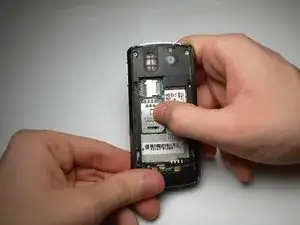
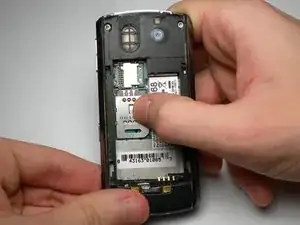
Follow this guide to install a SIM card in the Blackberry Pearl 8100.
-
-
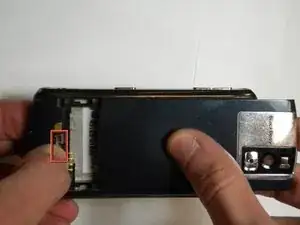
Begin by removing the back panel; this can be done by pressing the silver button on the backside of the Blackberry 8100, while simultaneously sliding the back panel off.
-
-
-
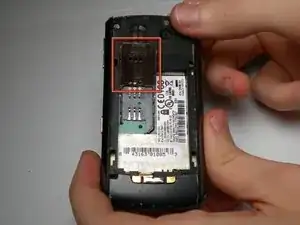
Slide the larger of the two metal casings upward (in the direction pointed to as “unlock”).
-
Abschluss
To reassemble your device, follow these instructions in reverse order.

Ein Kommentar
Doesn't work with "upgraded" O2 sim for 4G and 5G networks! Mobile doesn't work at all. 03/05/2025. Just a con by O2?