Einleitung
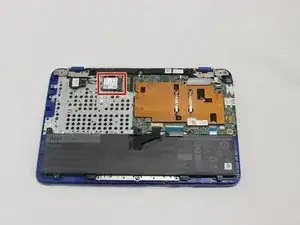
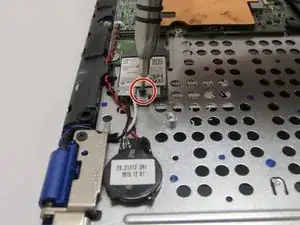
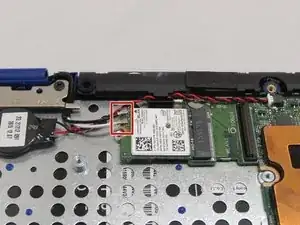
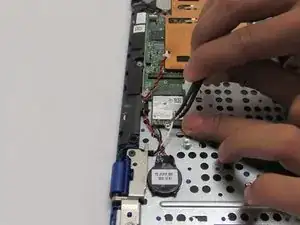
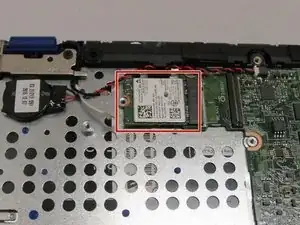
If you clicked this link from the troubleshooting guide, follow these steps to help get your wireless back up and running.


-
-
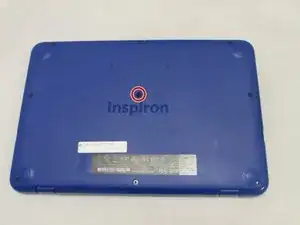
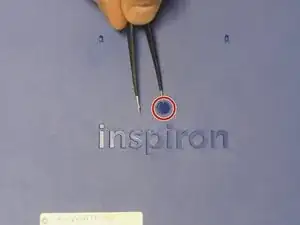
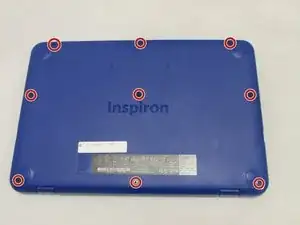
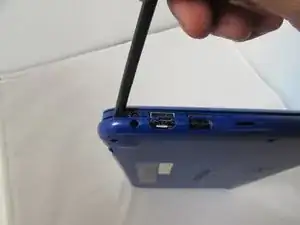
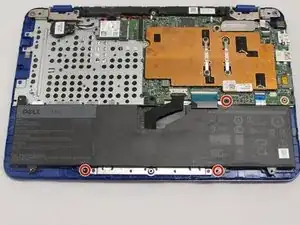
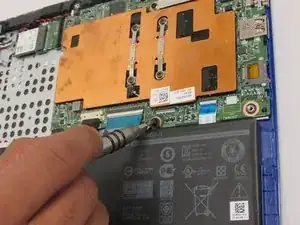
Use a spudger to pry around the base edges of the back cover to loosen it from the laptop.
-
-
-
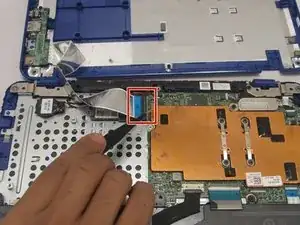
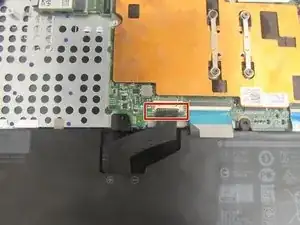
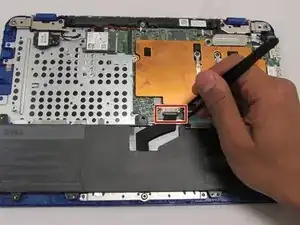
Unlock the wide ZIF connector securing the flex cable.
-
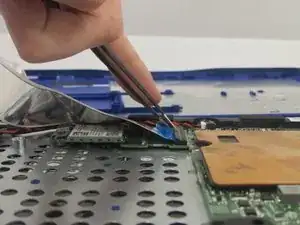
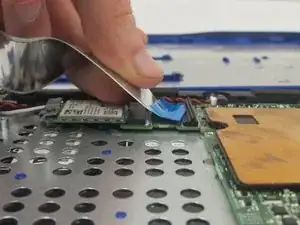
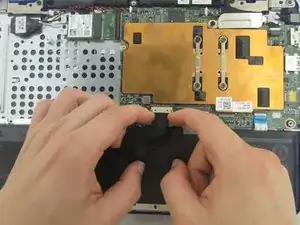
Pull the ribbon cable outwards to disconnect the back cover from the motherboard.
-
Abschluss
To reassemble your device, follow these instructions in reverse order.