Einleitung
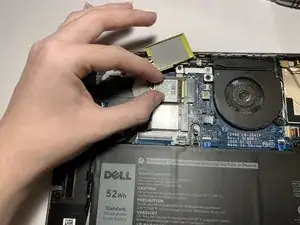
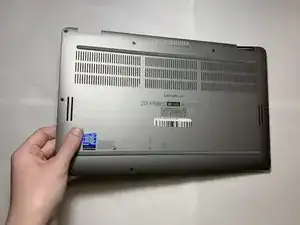
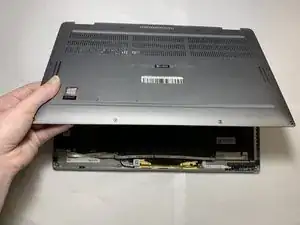
If you're finding many corrupted files or data, software incompatibility, hard drive errors, or an overall faulty SSD, then use this guide to replace the solid-state drive (SSD) of the Dell Latitude 9410 2-in-1. This guide should fix most file and incompatibility related issues on your laptop.
although, be sure to check the troubleshooting page before moving forward with replacement in case your problem is unrelated.


-
-
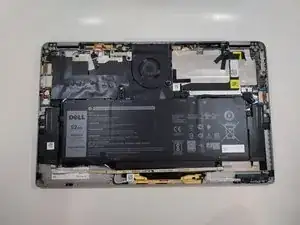
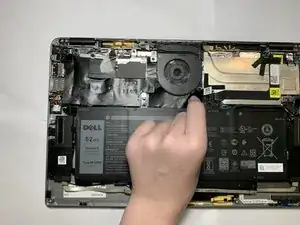
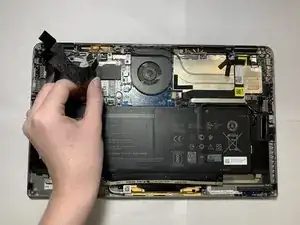
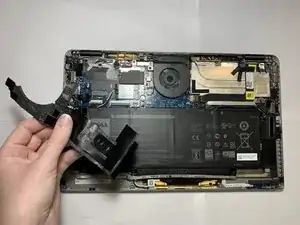
Carefully peel back and remove the black tape around the top left corner of the motherboard.
-
-
-
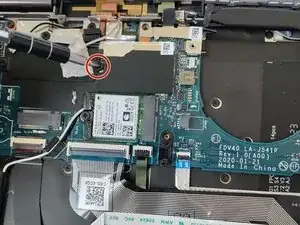
Use a Phillips #00 screwdriver to remove the 2 mm screw, loosening the bracket that covers the SSD.
-
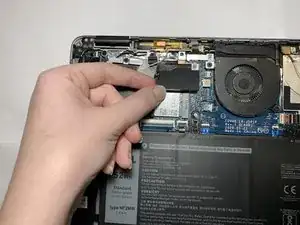
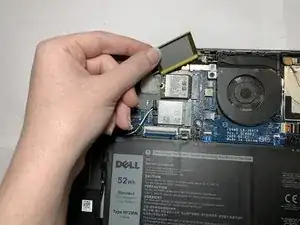
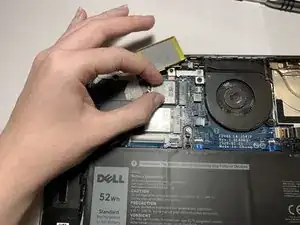
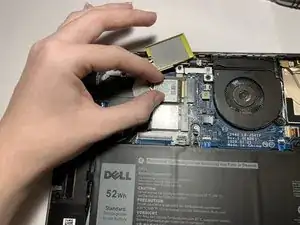
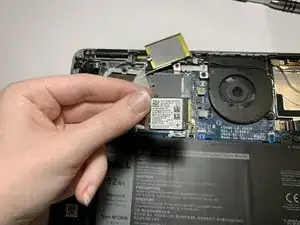
Carefully lift the off the bracket.
-
Abschluss
To reassemble your device, follow these instructions in reverse order.