Einleitung

Hier wird gezeigt, wie die Festplatte ausgetauscht werden kann.

  1. WrupPKtSrWKdcxhZ
    WrupPKtSrWKdcxhZ
    BvNOFNysAl3EBy1I
    O3DKoCRMaA1FIAYu
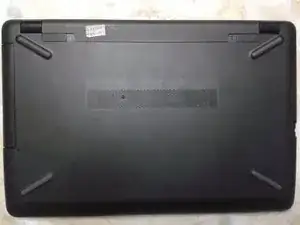
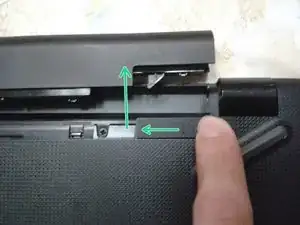
    • Lege den Laptop mit der Rückseite nach oben.

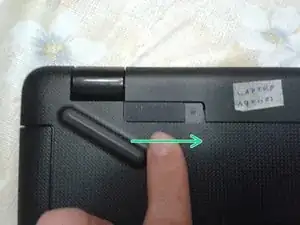
    • Schiebe die Verriegelung des Akkus nach rechts.

  2. ZSjSFwmN6l4b2USZ
    ZSjSFwmN6l4b2USZ
    ZPBCQan1GuOid1OO
    Uq2vEdIDt1DAGXWs
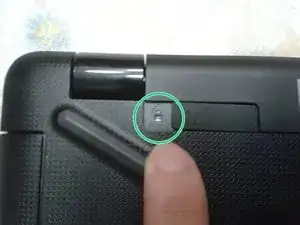
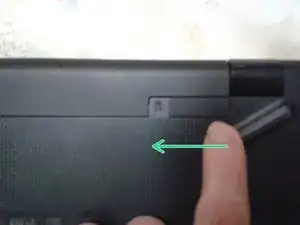
    • Schiebe die Verriegelung des Akkus nach links.

    • Das geht etwas schwerer, als die andere. Danach kommt der Akku heraus.

  3. dF1NktpaQYHELW64
    dF1NktpaQYHELW64
    MoTNtYZYAxmc6WOe
    HJNXNDhbMSsdOOwl
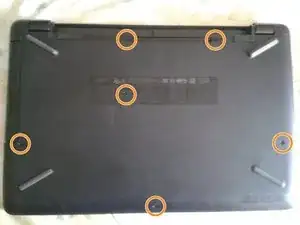
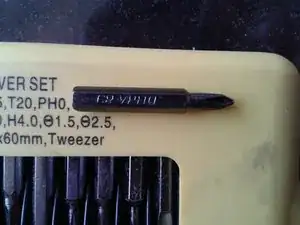
    • Benutze dazu einen Kreuzschlitzschraubendreher #0.

  4. yCrpQhI2KwLC2jr1
    yCrpQhI2KwLC2jr1
    u2MmvZMpLdqGUAVm
    QN2fpQDrxeQlGHeA
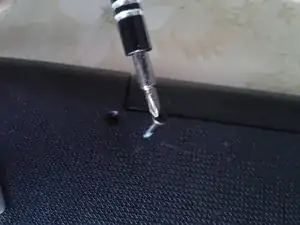
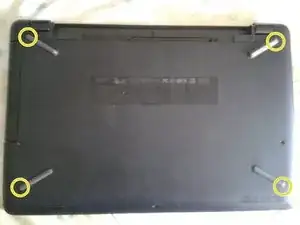
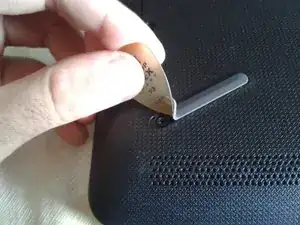
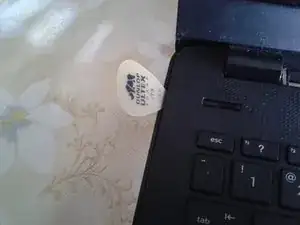
    • Ziehe mit Hilfe eines Plektrums die Gummifüße in den vier Ecken nur soweit zurück, bis die Schrauben sichtbar werden.

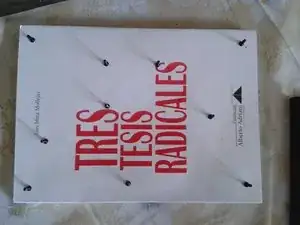
    • Drehe die Kreuzschlitzschrauben #0 heraus.

    • Bringe danach die Gummifüße wieder an.

    • Insgesamt hast du jetzt zehn Schrauben entfernt.

    the 2 bottom screws are stripped 😭 what do i doo

    4rtistime art -

    You would need to use a drill set to reverse. Also, you need drill bits meant to remove screws. You can try "screw extractors" or other keywords to search for such online.

    Marcos Mora -

  5. YPLYrZ3JTG2wvhW6
    YPLYrZ3JTG2wvhW6
    Ik3RDeWM11icNxgA
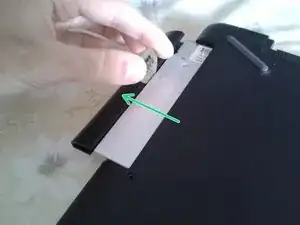
    • Das Laufwerk kommt leicht, mit oder ohne Hilfe eines Plektrums heraus.

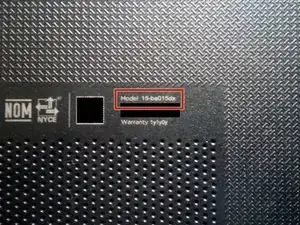
    • Vergleiche die Modellnummer.

  6. opHejxT6NVqnDpSB
    opHejxT6NVqnDpSB
    hXEMvJXoPufi5Dhq
    KhZLqbY145IGEIBB
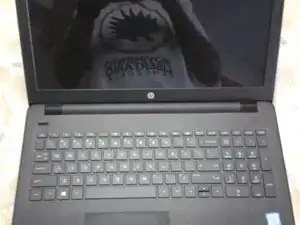
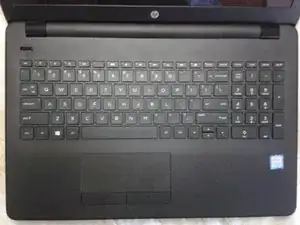
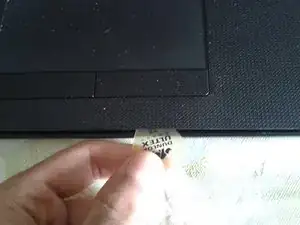
    • Drehe den Laptop herum und öffne ihn.

    • Trenne die Gehäuseteile mit Hilfe eines geeigneten Kunststoffwerkzeugs.

  7. 6FYNPCKMpOkMepo3
    6FYNPCKMpOkMepo3
    FDRpolOCOoQmLxrb
    NB5UUIkPl5rVIhVx
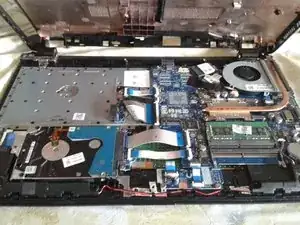
    • Drehe den Laptop wieder herum und hebe das Gehäuseunterteil ab.

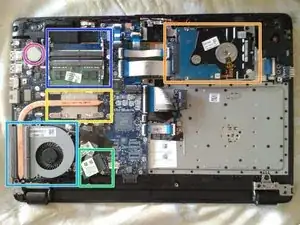
    • Die 2,5" Festplatte

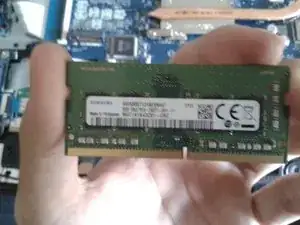
    • Die beiden DDR4-SODIMM Speicherriegel

    • Der Intel-Prozessor der 7.Generation

    • Der Lüfter

    • Die WiFi-Karte

    • Die CR2032 Batterie für die Uhr

    Se puede sacar su procesador?

    johanluisos.com -

    No. En este caso, el CPU es un core i5-7200u, el cual usa un zócalo tipo BGA, es decir, usa soldadura para pegarse a la placa base.

    Marcos Mora -

    Any info on how to swap out a non-backlit keyboard for a backlit keyboard for the 15-bs015DX? Thanks.

    David -

    In this case, it looks like the whole plastic around the keyboard comes with it.

    I can't be sure, since I no longer have the laptop. Try to disassemble it and look if they sell a drop-in keyboard replacement

    Marcos Mora -

    What type of m.2 it support, and what type of m.2 socket it have. Thank you.

    Hocine Gasmi -

    M.2 SATA-3. But I don't see a space to put on the m.2 screw. I recommend you open it up and double check.

    Marcos Mora -

    Me sirvió mucho muchas gracias

    Miguel ortega -

    Sabrían como llegar al botón de power? Se me ha roto y necesito reemplazarlo, hay que quitar la placa base?

    Ferusti -

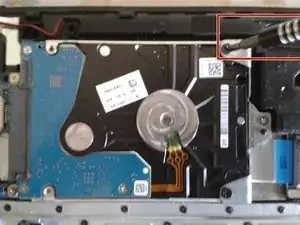
  8. 4JWqEEhkNwnDqhaL
    4JWqEEhkNwnDqhaL
    6cdTRYXymVUlu4L4
    XxBxnURD4lwHVUAy
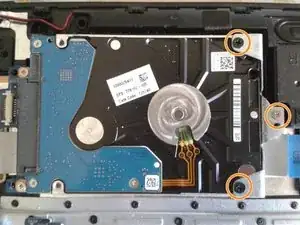
    • Drei Schrauben

    • Drehe sie mit einem Kreuzschlitz-Schraubendreher #0 heraus.

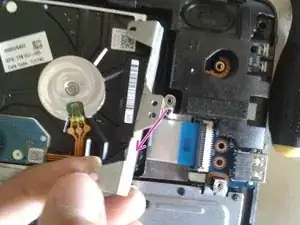
    • Entferne den Käfig.

    You don’t really need to remove the 2 black screws at this point. Once you remove the silver screw the hard drive and the frame will lift out. If you’re swapping the drive you will need to move the bracket to the new drive.

    ADAM MORRISON -

  9. tPJDS42UHBTNUecb
    tPJDS42UHBTNUecb
    qiqwtVn5lAt1iCw4
    1jYbHLIYQnCYUryO
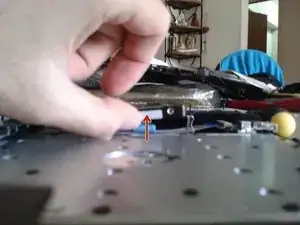
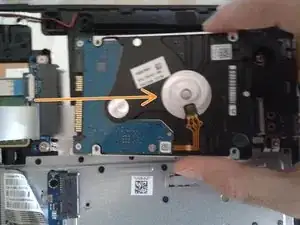
    • Kippe die Festplatte nach hinten.

    • Löse den SATA-Anschluss ab.

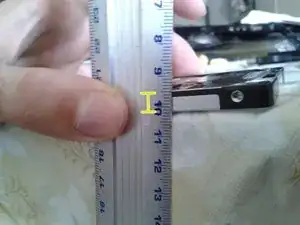
    • Die Festplatte hat eine Kapazität von 1 TB. Sie ist 7 mm hoch.

Abschluss

Um dein Gerät wieder zusammenbauen, folge den Schritten in umgekehrter Reihenfolge.

Marcos Mora

Mitglied seit: 17/12/17

3840 Reputation

6 Kommentare

Disculpa, yo tengo esta laptop, mi hard drive hdd se estropeó y quisiera cambiarlo por un ssd, sin embargo no se que tipo de ssd necesito, si eres tan amable de aclararme mi duda, se agradecería.

el_kevinsillo.777 -

Saludos. Te toca comprar un SSD tipo SATA. Puedes revisar mi perfil, ahí tengo mis RRSS y me puede contactar.

Marcos Mora -

Great but how do you get the software to reinstall on the new hard drive?

Jared Brice -

That would require a whole new guide. I have some of those on my YouTube channel, link in my ifixit profile.

Bottom line: A flash drive with a Windows installer on it.

Marcos Mora -

Follow this POS guide and you WILL break the 4 mounting tabs for the hinges as NOTHING was mentioned about the 4 screws holding them down!

Mochanic -

If you're referring to the screen holding hinges. This guide was never intended to replace the screen.

It's not required to unscrew the hinges to get to the hard drive, at all.

Marcos Mora -