Einleitung
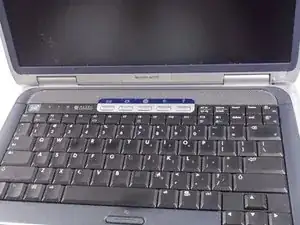
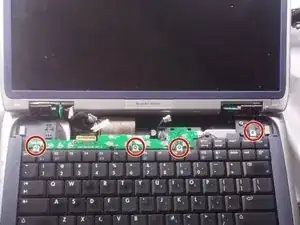
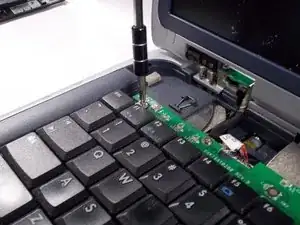
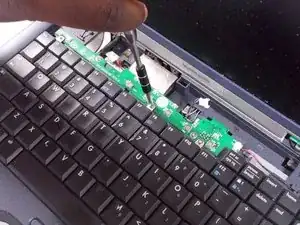
This guide will explain how to replace the keyboard of the device. The process should be rather simplistic but proceed with caution since some parts of the device are fragile.
Werkzeuge


-
-
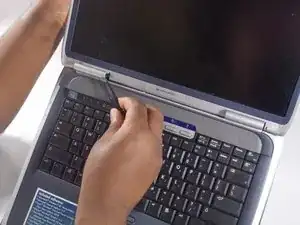
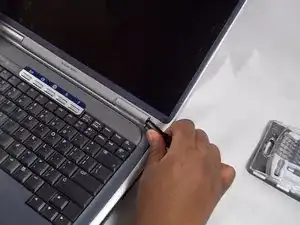
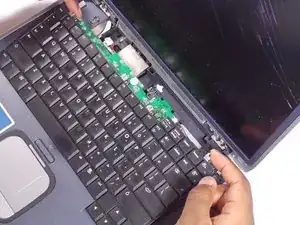
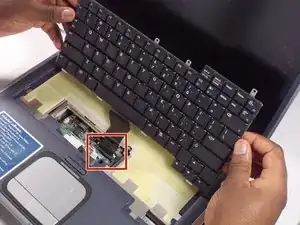
Gently lift the keyboard up from the frame so that you can see the ribbon still connected.
-
-
-
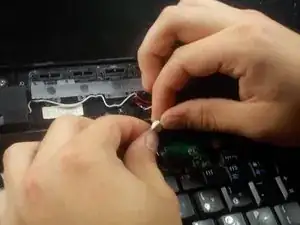
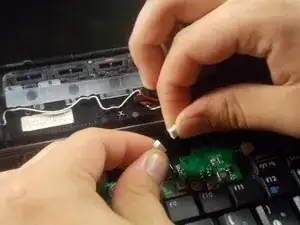
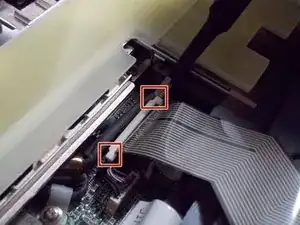
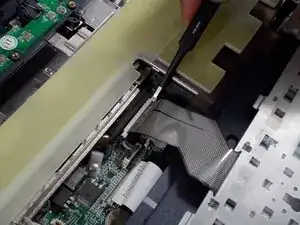
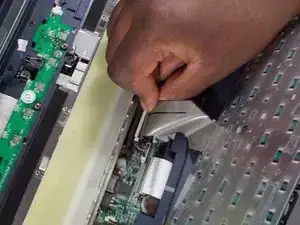
Remove the ribbon by gently pulling up the ends of the white receiver it is inserted in to.
-
Abschluss
To reassemble your device, follow these instructions in reverse order starting at step 5.
