Einleitung
Diese Anleitung wurde von iFixit-Mitarbeiter:innen verfasst und ist keine offizielle Reparaturanleitung von Google. Hier erfährst du mehr über unsere Qualitätsstandards.
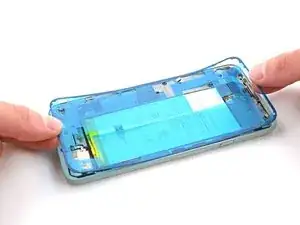
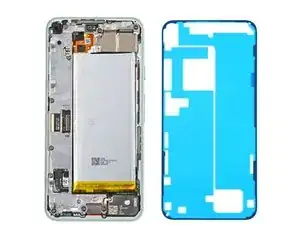
Diese Anleitung zeigt, wie die Display-Klebefolie im Google Pixel 5 nach einer Reparatur wieder angebracht werden.
Das Display muss vorher ausgebaut worden sein. Wenn das noch nicht passiert ist, dann folge dieser Anleitung.
Diese Anleitung wurde mit einem Pixel 5 erstellt. Es gibt leichte visuelle Unterschiede, das Verfahren ist aber grundsätzlich gleich.


Ersatzteile

-
-
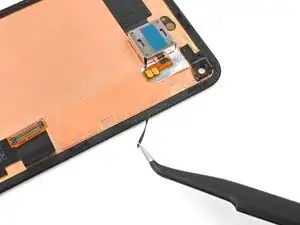
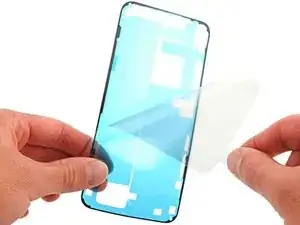
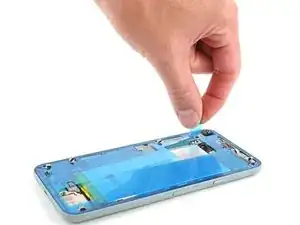
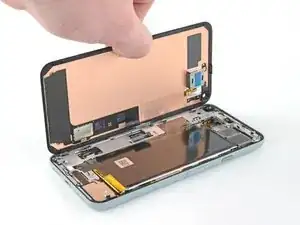
Ziehe die durchsichtige Schutzfolie ab, damit die Klebeflächen für den Rahmen freigelegt werden.
-
-
-
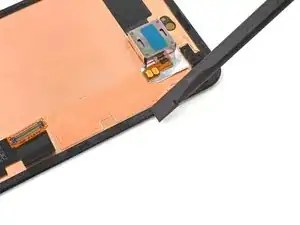
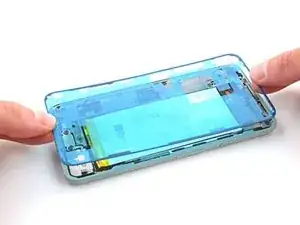
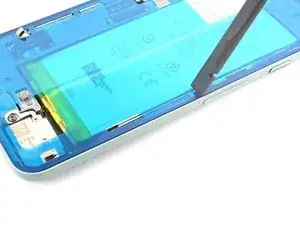
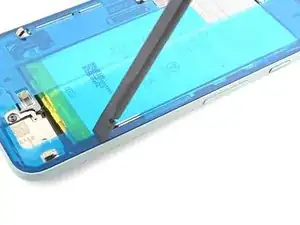
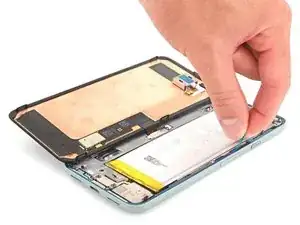
Drücke die Klebefolie mit dem Fingernagel oder dem Spudger auf dem Rahmen fest.
-
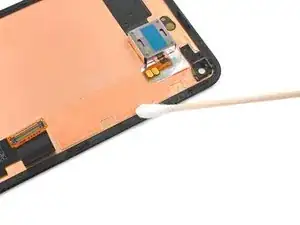
Fahre rund um den Rand herum, damit der Kleber gut am Rahmen haftet.
-
-
-
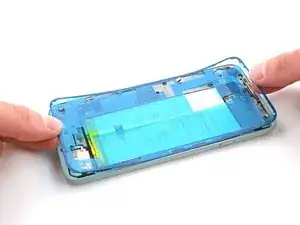
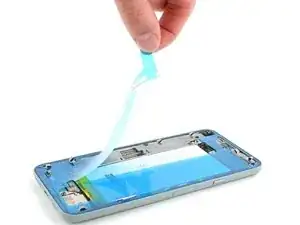
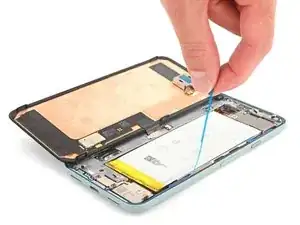
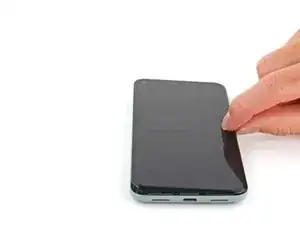
Fasse die blaue Plastikschutzfolie in der Mitte mit den Fingern und ziehe sie vom Smartphone ab.
-
-
-
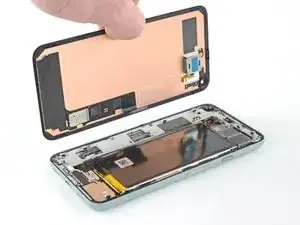
Folge der Anleitung zum Displaytausch in umgekehrter Reihenfolge, um das Display wieder anzuschließen.
-
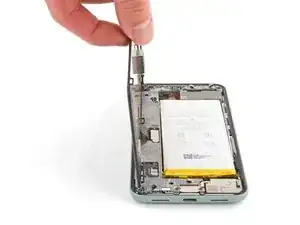
Wenn du das Display ausgetauscht hast, dann kontrolliere die Öffnung für die Frontkamera im Display und entferne eventuell vorhandene Schutzfolien.
-
-
-
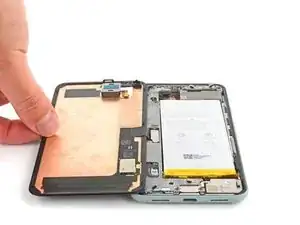
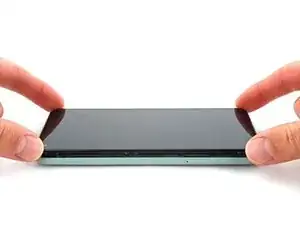
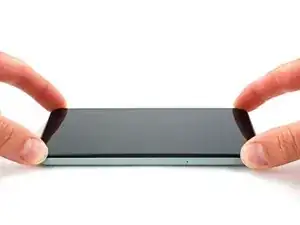
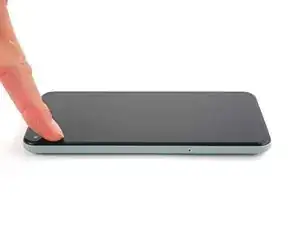
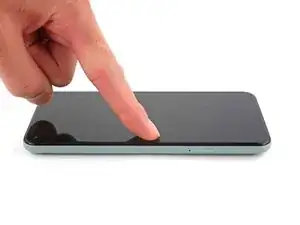
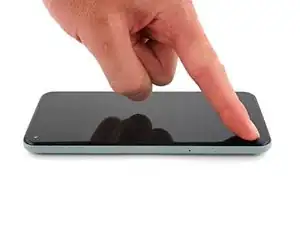
Drücke die Ränder des Displays fest.
-
Fahre rund um den Rand herum, damit der Kleber gut haftet.
-
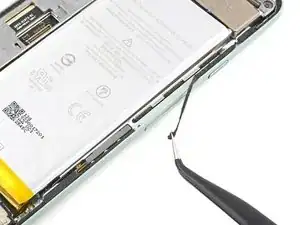
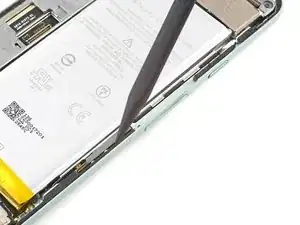
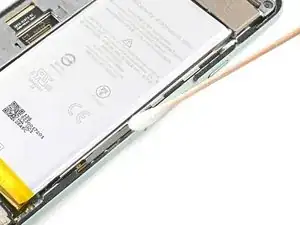
Lief die Reparatur nicht wie geplant? Probiere zunächst einige grundsätzliche Lösungen oder frage in unserem Forum nach Hilfe bei der Fehlersuche.

5 Kommentare
Pretty easy. Maybe 20 mins job. Nice guide.
What is the stack of books for?
ccc -
Hey there!
Usually you would place a stack of books or 2L+ bottle of water on top of the device to apply extra force to the adhesive and leave it for some time, like 30-60 minutes. That would ensure better adhesion for the replacement screen. It is not necessary nowadays, but it's an old-school style way of gluing things together and seasoned repair techs still place something heavy on top of the device when replacing glued-in components
Excellent instructions. I was able to get through this no problem.
This part was strangely frustrating, not matter how much I poked or tweezed I couldn't seem to get the old stuff to come off... but finally using the pointy end of the spudger I got just the right angle to loosen under a nice chunk and then I was able to use the tweezers to pull pretty much all of it off in one satisfying strip. It's attached to plastic underneath and you really can't ruin what it's resting on with the spudger but with the adhesive all still in place I wasn't certain what I was looking at and I was afraid to try too hard.
Determined, but distracted -