Einleitung
Has your PSP 300xc stopped making beautiful music? Replace the speakers to make it sing again.
Werkzeuge


Ersatzteile

-
-
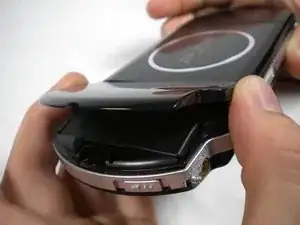
Press the button securing the battery door to the PSP 300xc, and lift the battery door off.
-
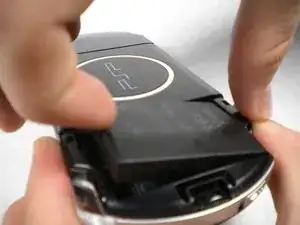
Lift the battery out of the PSP.
-
-
-
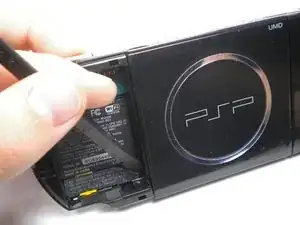
Use a spudger or your fingernail to remove the warranty sticker stuck to the inside of the battery tray
-
-
-
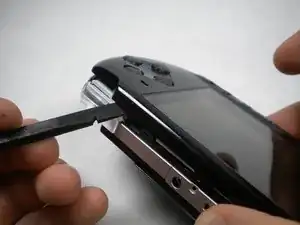
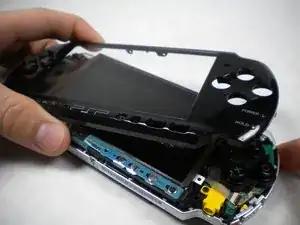
Insert a spudger between the front case and PSP, and slide the spudger along the perimeter of the front case to remove it.
-
-
-
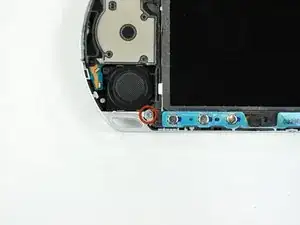
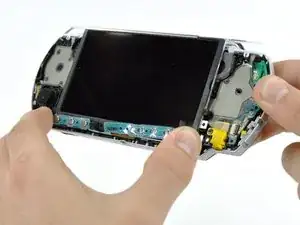
Push the home bar to the right about 1cm to release a tab, and begin to lift the right end of the home bar slightly.
-
-
-
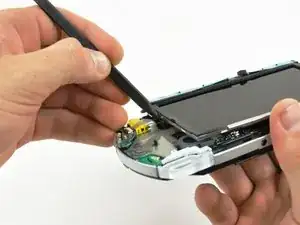
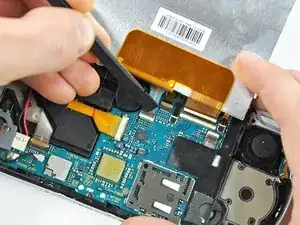
Insert a spudger under the LCD, beside the black plastic tab.
-
Push the LCD to the left and pry up to release the left edge of the LCD from under the plastic tab.
-
-
-
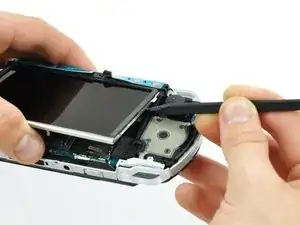
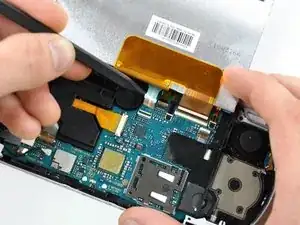
Insert a spudger under the LCD, beside the black plastic tab.
-
Push the LCD to the right and pry up to release the right edge of the LCD from under the plastic tab.
-
-
-
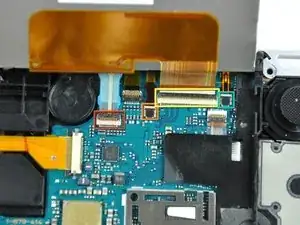
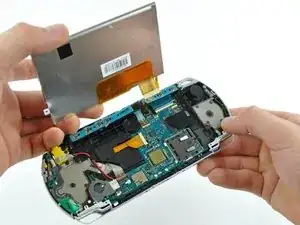
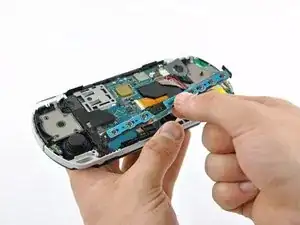
Rotate the LCD away from the PSP to reveal the LCD and home bar ribbon cables.
-
Use your fingernail or the edge of a plastic opening tool to flip up the retaining flap on the following four ZIF connectors:
-
Home bar cable
-
Microphone cable
-
LCD display data cable
-
Touchscreen cable
-
After flipping up the locking tabs on all four connectors, use your fingers or a spudger to gently pull the cables straight out of the connectors.
-
-
-
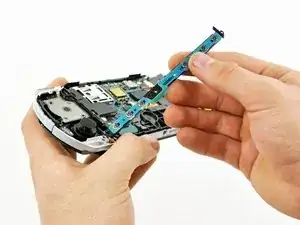
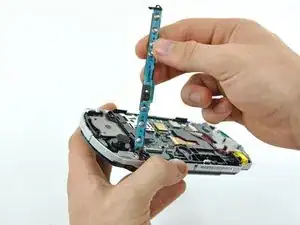
Lift the home bar up as high as it will go, but not so high that the wires disconnect.
-
Twist the home bar counter clockwise while carefully lifting it further. The left edge has to lift over the black plastic frame to allow it to rotate.
-
The home bar should now lift out of the PSP 300xc.
-
-
-
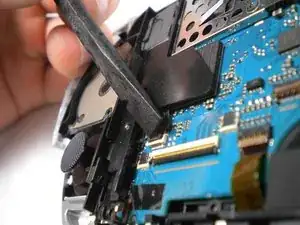
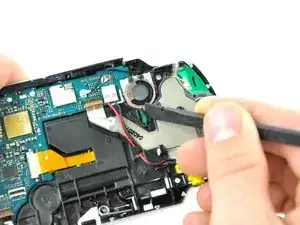
Using a fingernail or spudger, flip up the retaining bracket on the d-pad and 'L' trigger ribbon cable.
-
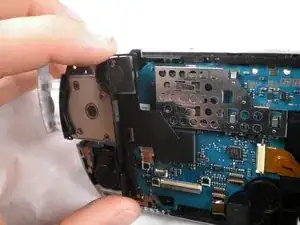
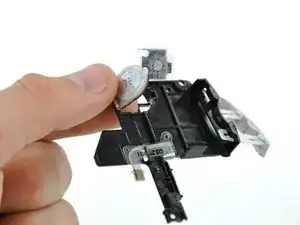
Lift the black plastic bracket along with the d-pad contact pad, disconnecting the ribbon cable as you lift.
-
-
-
Pop the left speaker out from the bottom of the black plastic bracket.
-
Set the left speaker aside.
-
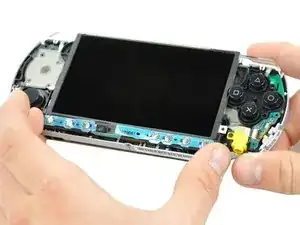
To reassemble your device, follow these instructions in reverse order.

Ein Kommentar
How do i apply the right speaker after deconstruction?