Einleitung
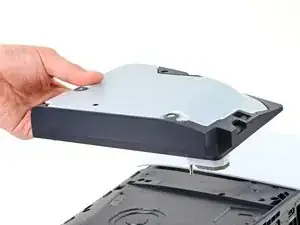
Diese Anleitung zeigt, wie das optische Laufwerk in der PlayStation 5 Slim getauscht wird. Wenn deine PlayStation kein optisches Laufwerk hat, kannst du es mit Hilfe dieser Anleitung einbauen, allerdings benötigst du eine neue Abdeckung für die Konsole, die über das Laufwerk passt.
Wenn deine PlayStation Probleme beim Lesen von
Blu-rays oder DVDs hat, muss vielleicht das optische Laufwerk gewechselt werden.
Um das neue Laufwerk einzurichten, benötigst du eine Internetverbindung.
-
-
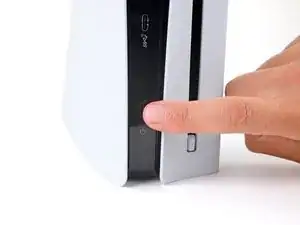
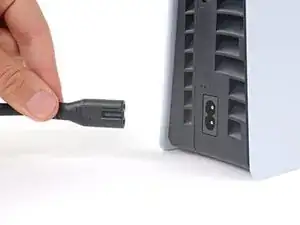
Schalte die Konsole komplett aus und entferne alle Kabel und angeschlossenes Zubehör.
-
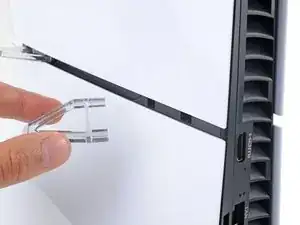
Entferne alle Standvorrichtungen und lege das Gerät flach ab.
-
-
-
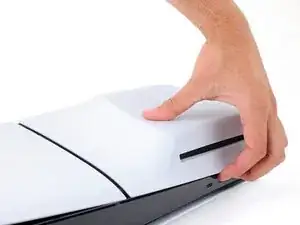
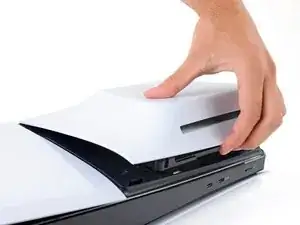
Um eine Abdeckung zu entfernen, ziehe kräftig an der Vorderkante und löse die Clips.
-
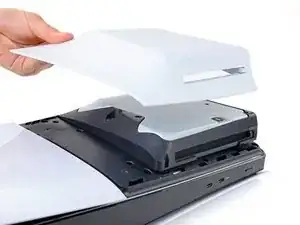
Entferne die Abdeckung.
-
-
-
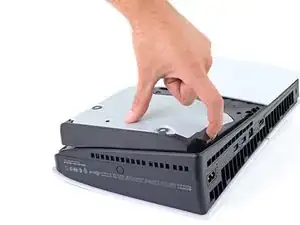
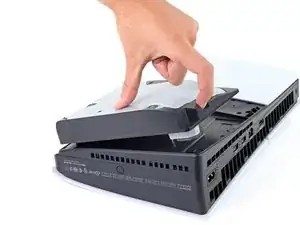
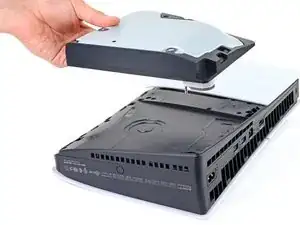
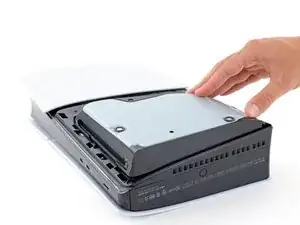
Nutze den Ausschnitt an der unteren rechten Ecke des optischen Laufwerks, um das Laufwerk anzuheben und abzutrennen.
-
Entferne das optische Laufwerk.
-
-
-
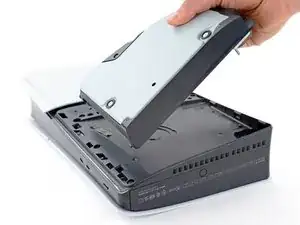
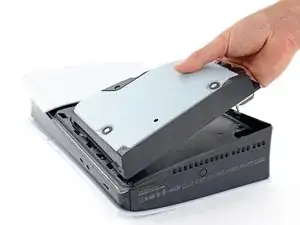
Setze die Haken an der linken Kante des Laufwerks in ihre Ausschnitte im Rahmen ein und lege das Laufwerk in die PlayStation ein.
-
Drücke fest auf die rechte Kante, so dass der Stecker des Laufwerks in seinen Anschluss in der rechten unteren Ecke hinein gleitet.
-
Um dein Gerät wieder zusammenzubauen, folge den Schritten in umgekehrter Reihenfolge.
Entsorge deinen Elektromüll sachgerecht.
Die Reparatur verlief nicht wie geplant? Versuche zuerst einige grundsätzliche Lösungen, oder bitte in unserem iForum um Hilfe.

8 Kommentare
Spencer, thank you for all your efforts in making this task manageable to all of us rtr novices!
Deeno
Deeno -
once a disc drive has been paired with a system , can we use the same disc drive on another ps5 system ?
Yes you can! You should be prompted to register the drive with your device, which will require an internet connection.
Where can I get a new disk drive in Australia?