Einleitung
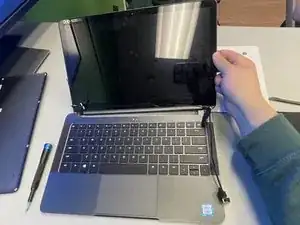
This guide outlines how to remove the display assembly of the Razer Blade Stealth 2017. Display assembly replacement may be necessary if there are cracks or breaks on the screen, dead or stuck pixels that show one color or no color at all, lines, spots, or blobs on the screen, flickering or fading of the backlight, distorted colors or contrast, blurry or ghost images, and no image or signal. Some tools are required for this replacement.


Ersatzteile
-
-
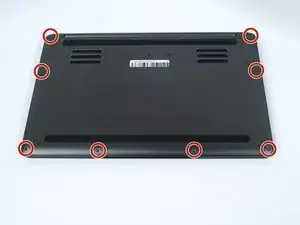
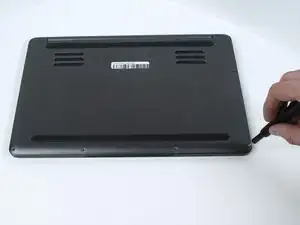
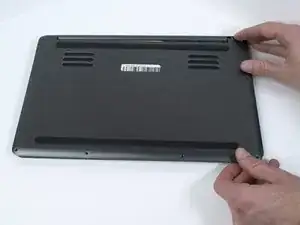
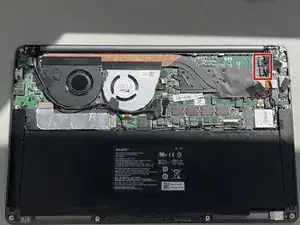
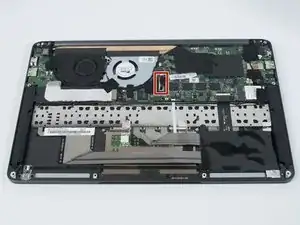
Use a Torx T5 screwdriver to remove the eight, 3mm screws on the bottom cover of the laptop.
-
-
-
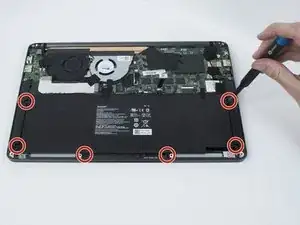
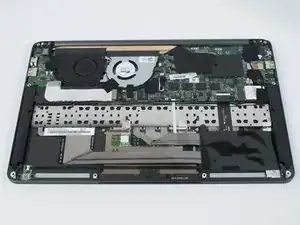
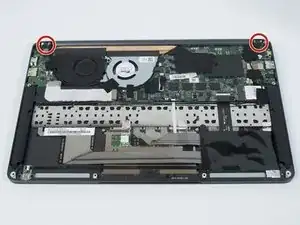
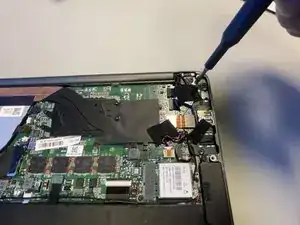
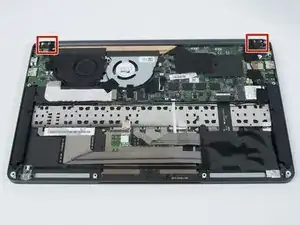
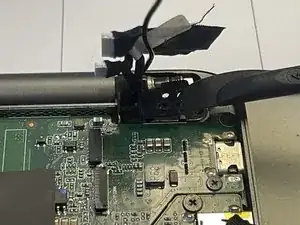
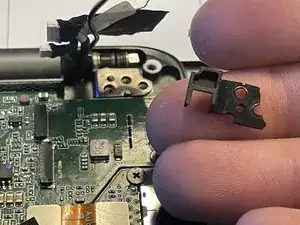
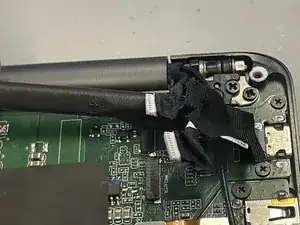
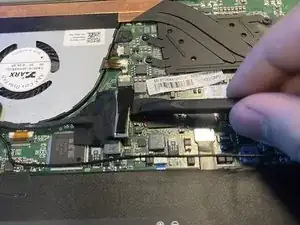
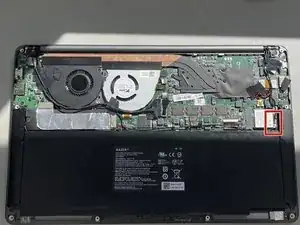
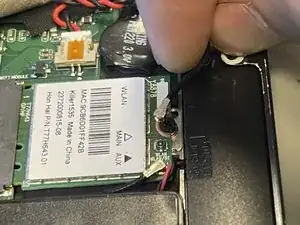
Use a Phillips #00 screwdriver to remove the six 4 mm screws securing the display assembly.
-
-
-
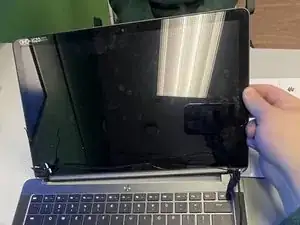
Lift the screen to the open position.
-
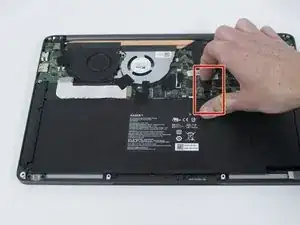
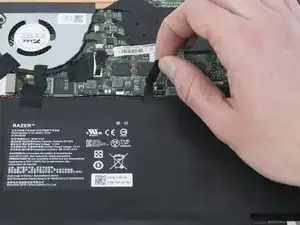
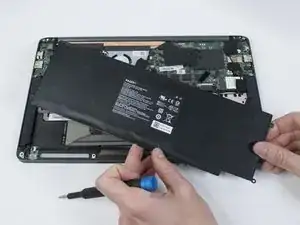
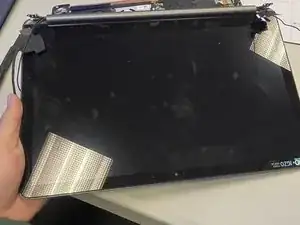
Remove the display assembly by sliding it away from the keyboard.
-
To reassemble your device, follow these instructions in reverse order.
