Einleitung

  1. bIKZJDGeJ4Yl6EnH
    bIKZJDGeJ4Yl6EnH
    5yCxYiUJIf4keZFj
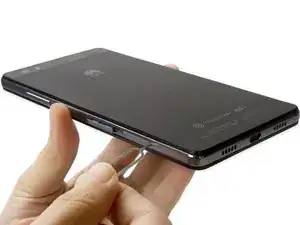
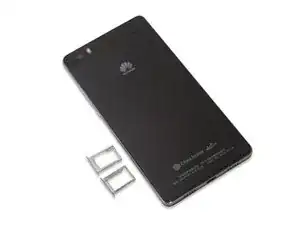
    • Entferne zuerst die SIM- und SD-Karteneinschübe.

  2. PDypaixItgmi2XlX
    PDypaixItgmi2XlX
    6oImgXELfYmIxjOw
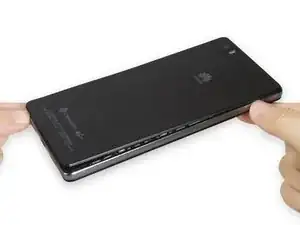
    • Entferne die Akku-Klappe. Sie ist mit Clips befestigt. Löse die Clips mit deinem Fingernagel oder einem Hebelwerkzeug.

    • Sei vorsichtig, da der Mittelrahmen leicht zerkratzt und das Glas oben an der Akku-Klappe leicht zerbricht.

    hi. I like you

    One love -

    preheat the back cover

    Claudiu Nistor -

  3. v1R2rcJEEBIuuXPQ
    v1R2rcJEEBIuuXPQ
    FRCUBBL4mEijABKO
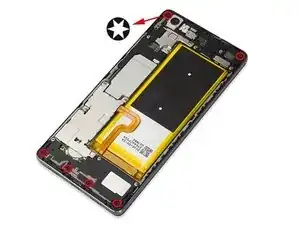
    • Entferne die Torx Schrauben auf der Rückseite.

  4. GHKDd22NMKPoRcCS
    GHKDd22NMKPoRcCS
    iDc1cZTmtdNoiUjj
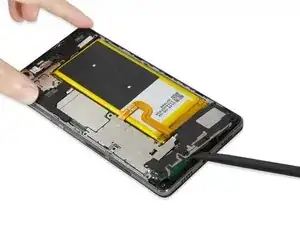
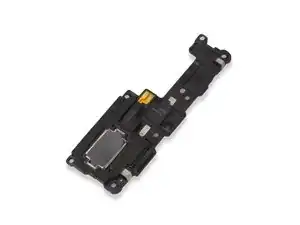
    • Heble den Lautsprecher mit einem Spudger hoch und entferne ihn.

  5. aOMOBrqBpNU5oMO1
    aOMOBrqBpNU5oMO1
    5vbPPSfc5AEYe1ZG
    koSOsY2UgHjDIssG
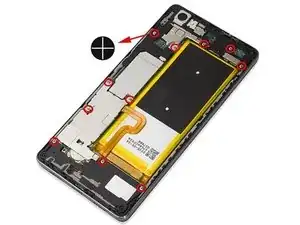
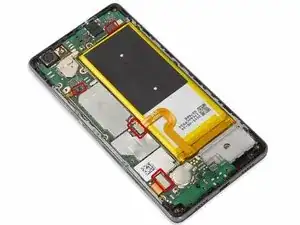
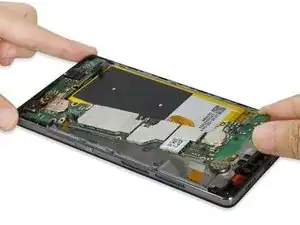
    • Entferne die Sicherungsklammern, die das Motherboard bedecken.

  6. DxVZbIdxgOnkRmdH
    DxVZbIdxgOnkRmdH
    yiSWrRxES46wx6n3
    NtdTVIoyIakOeGLn
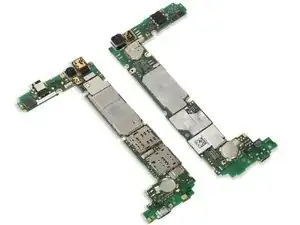
    • Löse vorsichtig alle Anschlüsse auf der Platine und entferne das Motherboard.

  7. QbGYFqCWHCQV2ts6
    QbGYFqCWHCQV2ts6
    qRwiHlYeuFfSKlcx
    wQbVWRkKID2LrbGJ
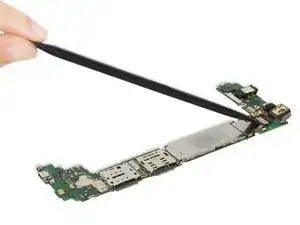
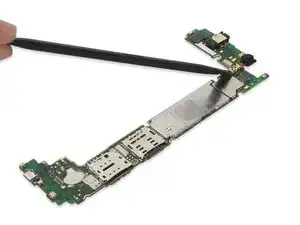
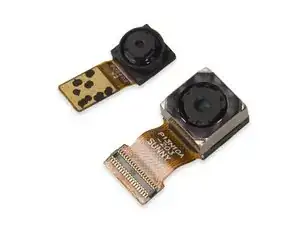
    • Entferne die Rückkamera und die Frontkamera.

    Seperempat kameranya ad d jual gk d indonesia

    khairilairil16 -

  8. SYRRLGJZFElSUBig
    • Entferne das Power Button Flachbandkabel.

    Salve,

    Ma L'adesivo nero sul retro della batteria ha qualche importanza particolare?

    Mario -

    Credo sia un dissipatore, non penso sia un problema

    robylongoni95 -

  9. Nr1IBaVes3NgBJ52
    Nr1IBaVes3NgBJ52
    Y3VjqFu1mhDugwpG
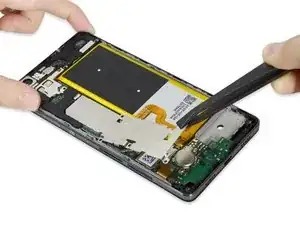
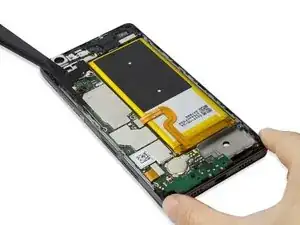
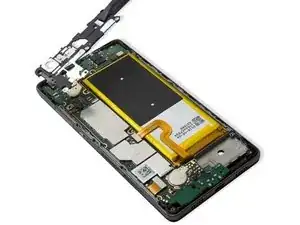
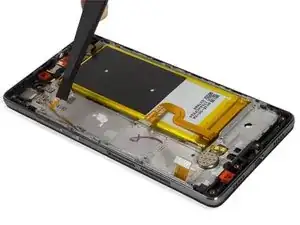
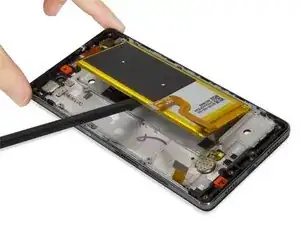
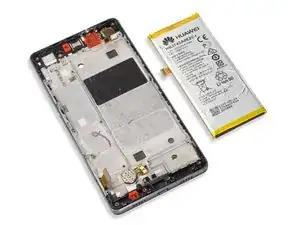
    • Entferne den Akku. Unter dem Akku befindet sich starker Klebstoff. Arbeite vorsichtig, um ihn abzulösen, und pass auf, dass du den Akku nicht beschädigst.

    • Erhitze den Kleber unter dem Akku mit einem iOpener oder einem Fön. Dadurch wird der Kleber weicher und der Akku lässt sich leichter lösen.

  10. K4fShmdAeLqqkIVV
    K4fShmdAeLqqkIVV
    YmT5GyacDQ1vOZNW
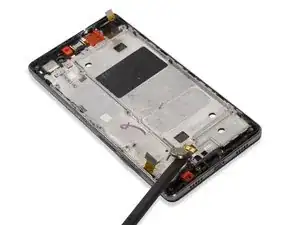
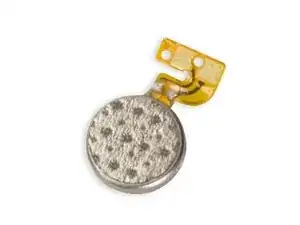
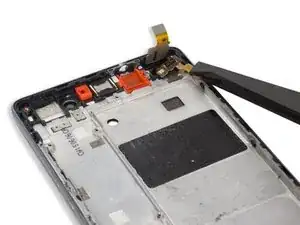
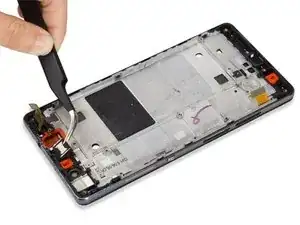
    • Entferne den Vibrationsmotor.

  11. IEFoWApxCqWsE2Ex
    • Entferne das Sensor-Flachbandkabel. Es ist unter dem Touchscreen-Flachbandkabel versteckt und mit Klebstoff befestigt.

  12. QZw1s2ptPNtXgUmD
    • Entferne den Ohrhörer-Lautsprecher.

  13. 1VVfcuUUxcBUhtkl
    1VVfcuUUxcBUhtkl
    hpKVEtIiYjfgBfVD
    1MY3CRC4YcIZDSpL
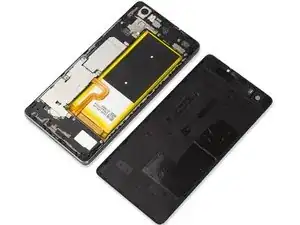
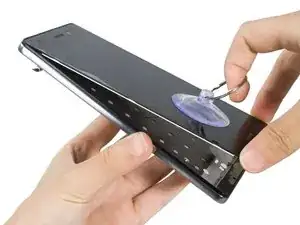
    • Erhitze den Display-Kleber, durchschneide ihn und entferne das Display vorsichtig.

  14. 1MuGJJFjQgvYvh2N
    • Fertig!

Sophia

Mitglied seit: 25/03/14

43861 Reputation

10 Kommentare

Ciao ma la pistrina nera sulla batteria da dove posso comprarla? Perché mi è arrivato un terminale con il flat tagliato della pistrina e dovrei sostiturila.. Oppure può farne ammeno e cambio solo la batteria?

vito -

thank you, its inspirating

buchta -

Hello, I completed this repair and now the back-light is not working. Any suggestions? Know where I could locate a diagram of this board? TIA

beck74 -

THis mobile audio ic for main speaker need information. because audio is full off on my phone but buzzer is health and good please help me but handset and small speaker are working

mohandes -

Sir sent me p8 lite LCD light track

umarshazad001 -

P8 lite lcd light sulution

umarshazad001 -

Can you help me please. Do you know where is the wifi antenna?

Jose Bolanos -

my phone fell into an oil pan and know i m feeling problems with camera .. calls and screen if i do this all will my phone be fine again ..

help

Nida Ali -

Thank you very much for this excellent tear-down. It made it possible for me to change the battery on this model. It took me 90 minutes to do it.

Leopold Birkholm -

what is the name of the black plastic (T shape) that covers the volume flex cable.... Thanks for your helpful information

Osman -