Einleitung
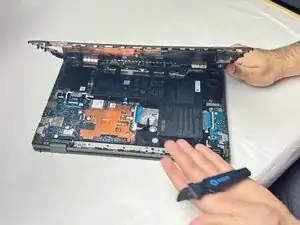
Use this guide to replace the lower case on a Asus Chromebook CM1402CM2A-DS44.
Werkzeuge


-
-
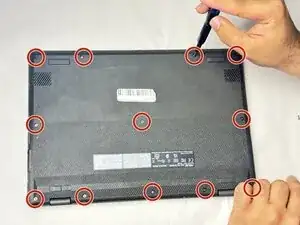
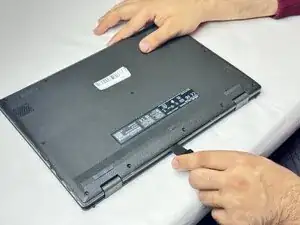
Insert an opening tool or Jimmy into the seam between the lower case and chassis.
-
Pry around the entire perimeter until the lower case fully releases.
-
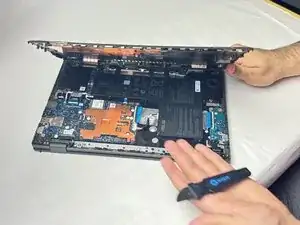
Remove the lower case.
-
Abschluss
To reassemble your device, follow these instructions in reverse order.