Einleitung
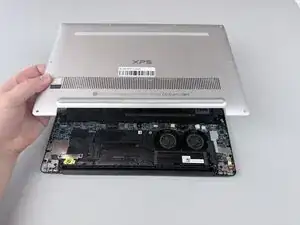
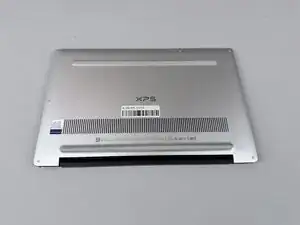
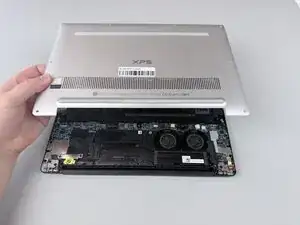
If you need to access the internals of the Dell XPS 13 9370, this guide will help you remove the main back panel.
Werkzeuge


-
-
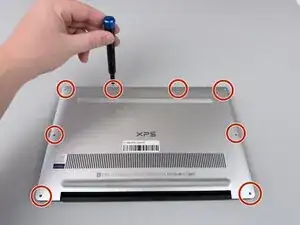
Using a Torx #5 screwdriver, remove the eight 3mm screws along the edges of the back panel.
-
-
-
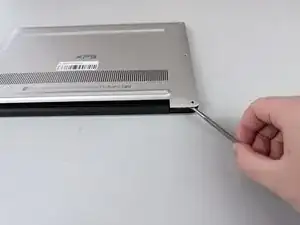
Insert a spudger into the seam between the back panel and the computer frame.
-
Pop the back panel out of place and remove it.
-
Abschluss
To reassemble your device, follow these instructions in reverse order.