Einleitung
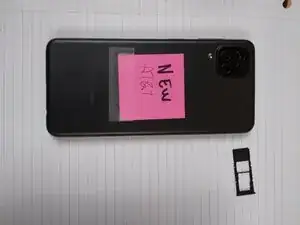
Diese Anleitung soll dich in die Lage versetzen, eine Reparatur am Samsung Galaxy A12 durchzuführen. Sei vorsichtig, benutze wo möglich Werkzeug aus Kunststoff. Die Teile sind klein und empfindlich.


-
-
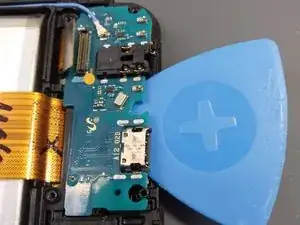
Klemme die Flexkabel ab, beginne mit den kleineren.
-
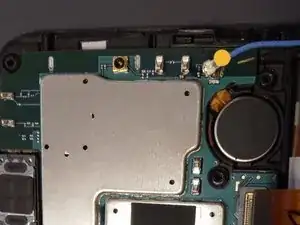
Drehe die Masseschraube heraus.
-
Löse die die Antenne ab.
-
Heble die Hauptplatine mit einem Spudger vom SIM-Fach.
-
-
-
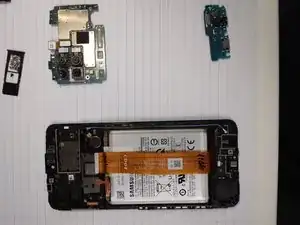
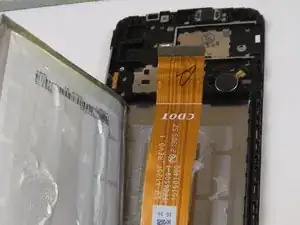
Nimm das Flachbandkabel aus dem Weg.
-
Benutze eine Kunstoffkarte, z.B. eine alte Kreditkarte.
-
Schiebe die Karte an der Seite des Akkus nach unten. Tröpfle Isopropylalkohol ein.
-
Kippe das Smartphone, damit keine Flüssigkeit in den Akku hinein läuft.
-
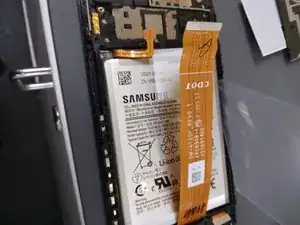
Heble den Akku behutsam hoch, achte darauf, dass er nicht beschädigt wird.
-
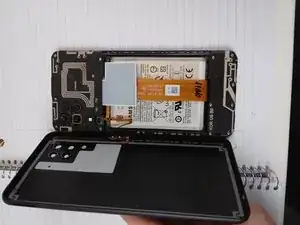
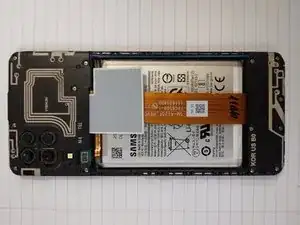
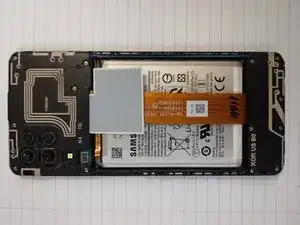
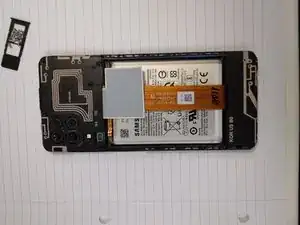
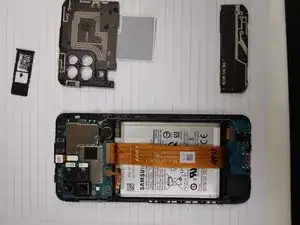
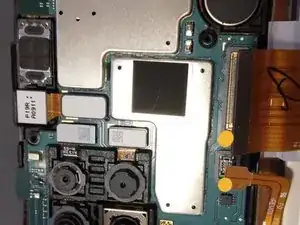
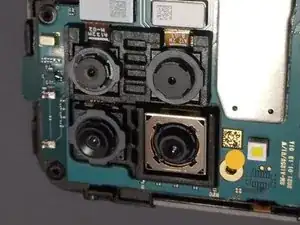
Um dein Gerät wieder zusammenzubauen, befolge diese Anweisungen in umgekehrter Reihenfolge und bringe alle Teile wieder an.

7 Kommentare
The volume of my phone is down when receiving a call
Thanks for this. Phone successfully fixed! Just an additional note for people, I noticed my replacement part was missing a lot of the grey gaskets. There are a few of these under both boards, a few small square ones, and a very thin windy one under the bottom board. Not sure if required but I transferred these across to my new one using some tweezers to very carefully peel them off. Make sure you get the "glue" bit underneath to come up at the same time if you can, otherwise you may need extra glue to reattach them. Be careful transferring the volume buttons too, they need to be carefully taken off in the same way and reattached to the new one.
KevinG -
How can i reset my PIN that I had forgotten without a hard reset on my A12?
يمكن تخطى القفل باستخدام اللابتوب
moga2 -
ce n'est pas collé mais vaut mieux chauffer le plastique (sèche cheveux) pour retirer le couvercle surtout les coins...
Jose Goncalves -