Einleitung
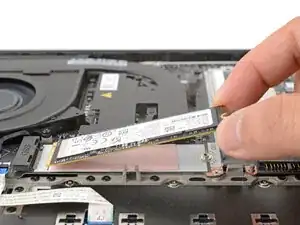
Follow this guide to remove and replace the SSD (aka storage) on your Lenovo ThinkPad T14 Gen 7 laptop.
Werkzeuge

-
-
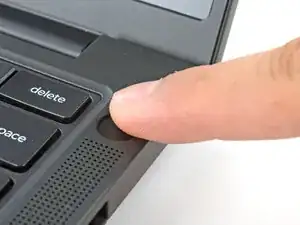
For your safety, discharge your battery below 25% before disassembling your laptop. A charged battery may catch fire if damaged. If your battery is swollen, take appropriate precautions.
-
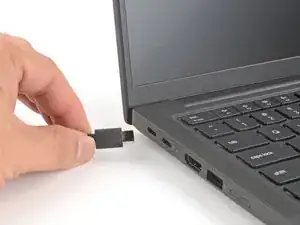
Completely shut down your laptop (don't just put it in sleep mode) and disconnect all cables.
-
-
-
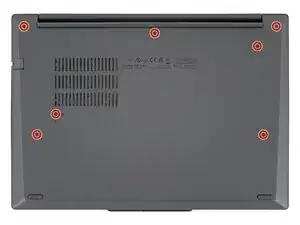
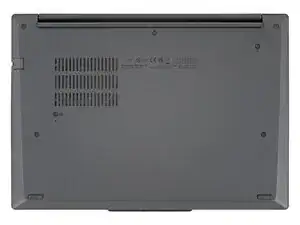
Use a Phillips screwdriver to fully loosen the seven captive screws securing the base cover.
-
-
-
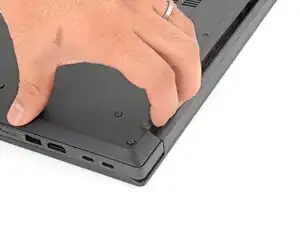
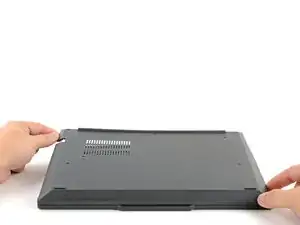
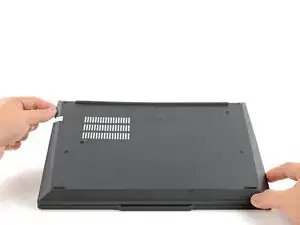
Use your fingers to grab and lift the top-right corner of the base cover near the hinge.
-
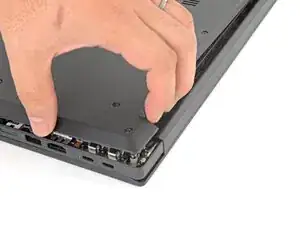
Repeat at the top-left corner.
-
-
-
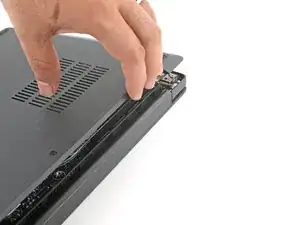
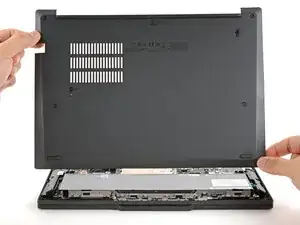
Slowly lift the hinge edge of the base cover until the remaining clips release.
-
Remove the base cover.
-
-
-
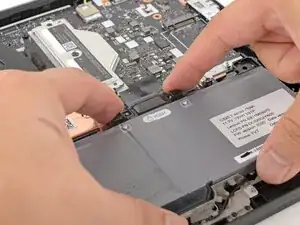
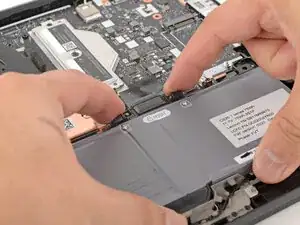
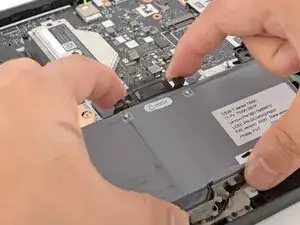
Use your fingers to squeeze the two latches on either side of the battery connector.
-
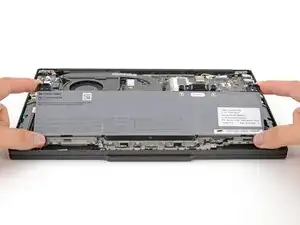
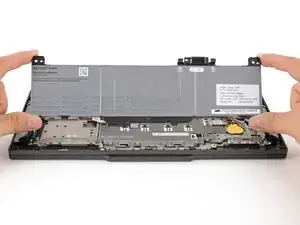
While squeezing the latches, lift the top edge of the battery up.
-
-
-
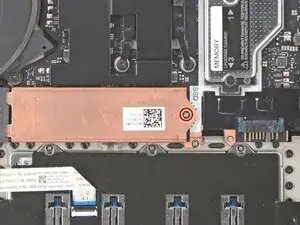
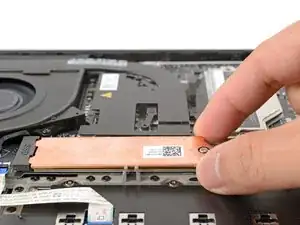
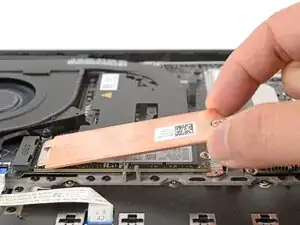
Lift the right edge of the SSD cover slightly and slide the cover away from the socket to clear the tabs.
-
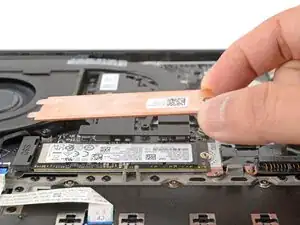
Remove the SSD cover.
-
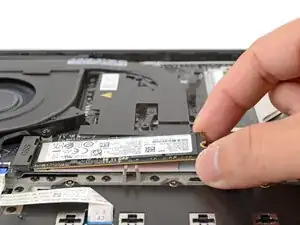
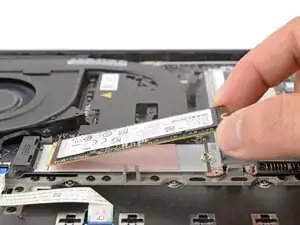
To reassemble your device, follow these instructions in reverse order.
Take your e-waste to an R2 or e-Stewards certified recycler.
Repair didn’t go as planned? Try some basic troubleshooting, or ask our Answers community for help.

Shouldn't this step also tell to disable internal battery in BIOS? It was a standard feature in ThinkPads for a long time. @arthurshi @carsten
konradmb -