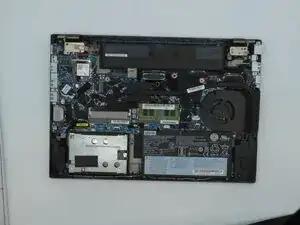
Einleitung
Werkzeuge


-
-
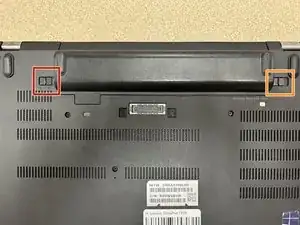
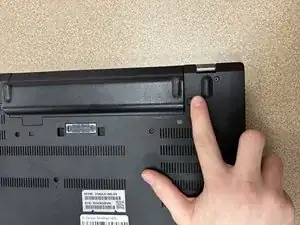
Switch the left latch to the left to unlock the battery.
-
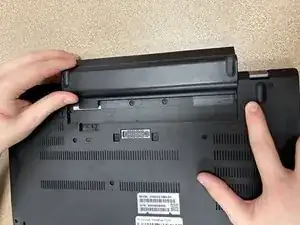
While holding the right latch to the right, slide the battery away from the device.
-
-
-
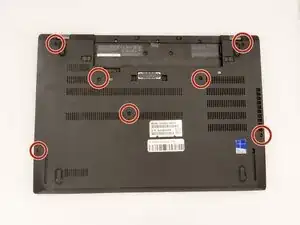
Loosen the captive screws on the back cover of the laptop using a Phillips #0 screwdriver.
-
Use a prying tool to remove the back casing of the computer.
-
-
-
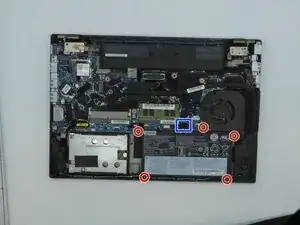
Remove the five 3 mm screws that are holding the internal battery in place.
-
Disconnect the ribbon cable connecting the battery to the motherboard.
-
Remove the battery.
-
Abschluss
To reassemble your device, follow these instructions in reverse order.