Einleitung
Diese Anleitung zeigt, wie du eine Taste an der Logitech MX Keys herausholen kannst, entweder, um sie zu reinigen oder auszutauschen.
Werkzeuge

-
-
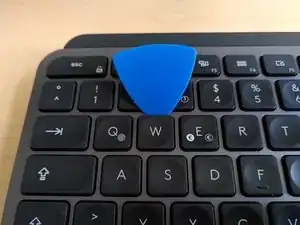
Setze ein geeignetes dünnes Werkzeug unter die Oberkante der Taste ein.
-
Mit ein wenig Kraftaufwand kannst du sie leicht heraushebeln.
-
-
-
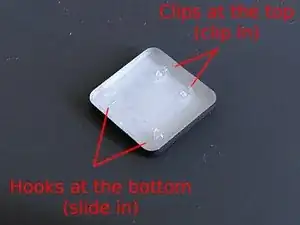
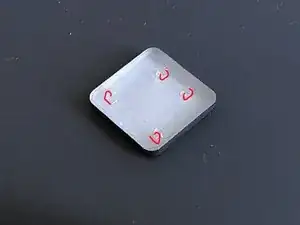
Die Haken (Hooks) an der Unterkante sind eingeschoben, an der Oberkante ist die Taste mit Rasten (Clips) befestigt.
-
-
-
Schiebe zuerst die Haken an der Unterkante hinein.
-
Drücke dann behutsam auf die Oberkante, bis die Taste einrastet.
-
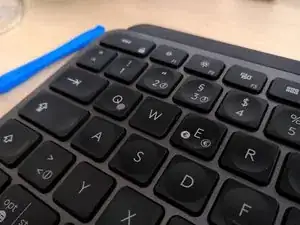
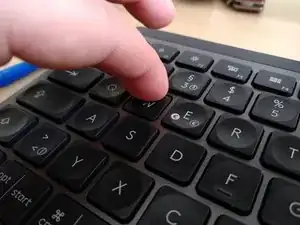
Du hast erfolgreich eine Taste an deinem Logitech MX Keys ersetzt.

26 Kommentare
Where can I find the keys for the replacement? I can only find keys for like $15 per key...
I need to know this too!
ikomrad -
If you are having sticky key issues, take the key out, clean out the area beneath the key, and underneath the key, and reinsert the same key. In most cases, this will fix your issue. This may happen if debree/dust gets in-between the keys.
I broke off my CMD/Alt key, is there any way to fix this?
People on ebay sell the keys a few bucks a piece - usually pulled from other boards.