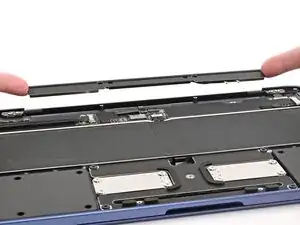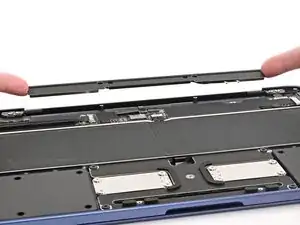
Einleitung
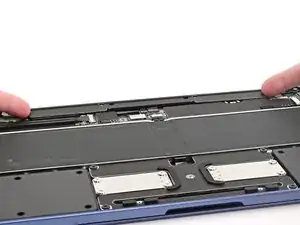
Prerequisite only guide to remove the antenna in a MacBook Neo.


-
-
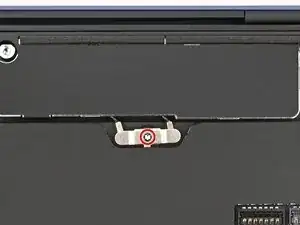
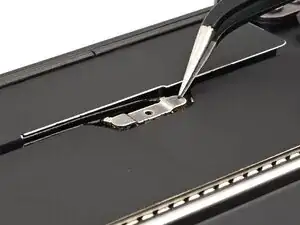
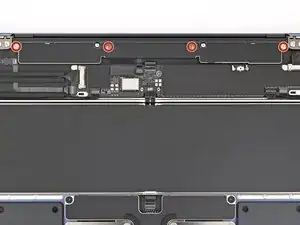
Use a Torx 3IP driver to remove the 1.7 mm‑long screw securing the antenna connector cover.
-
-
-
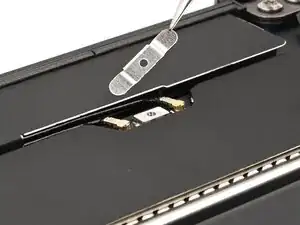
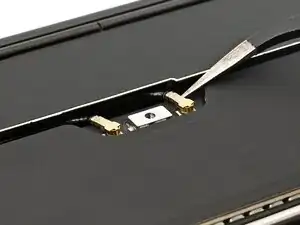
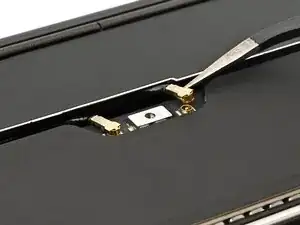
Insert one arm of angled tweezers under the metal neck of one of the antenna coaxial connectors and lift straight up to disconnect it.
-
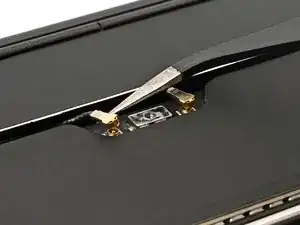
Repeat the process to disconnect the second antenna cable.
-