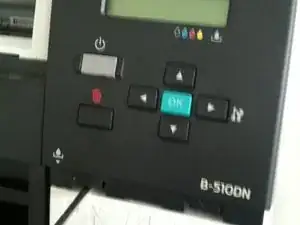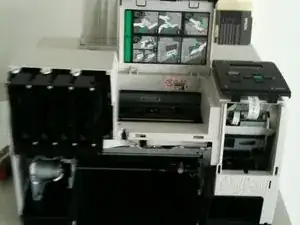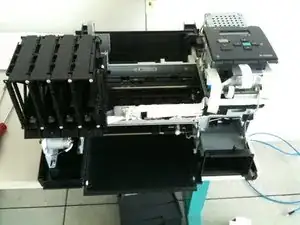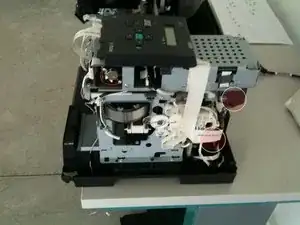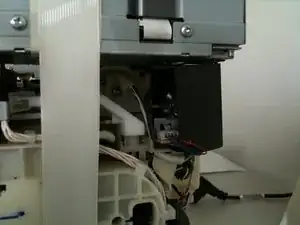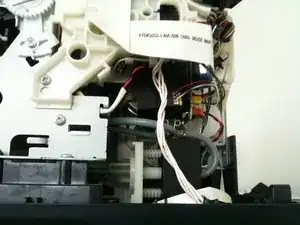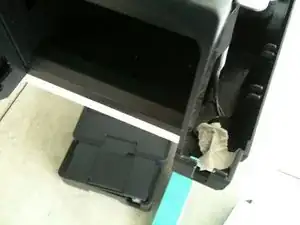
Einleitung

Blockierter Drucker auf Grund Error 0xF2 or 0xF3

Dieser Fehler tritt auf, wenn es einige Probleme mit dem Encoder gibt, wenn die Rollen versuchen Papier einzuziehen.

  1. Awg1jadfrnZJfDPc
    Awg1jadfrnZJfDPc
    hAiMOYFCZDHIfMTT
    VLVSfx3HfUTK4WHy
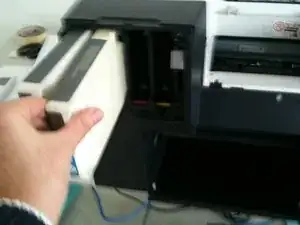
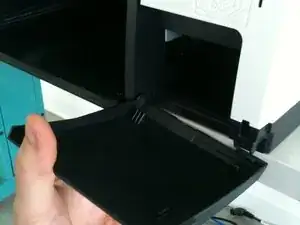
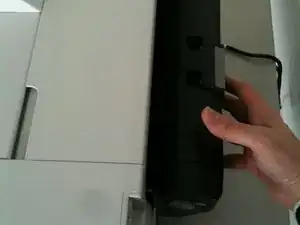
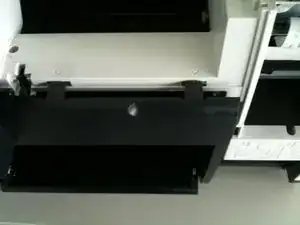
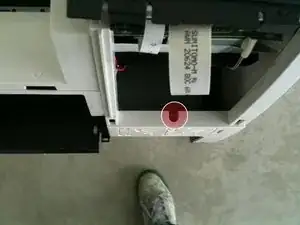
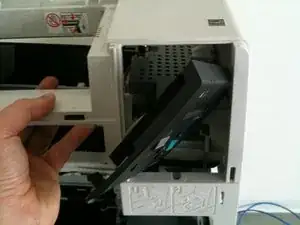
    • Entferne Papierauswurf.

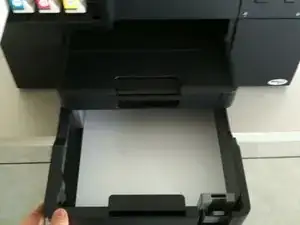
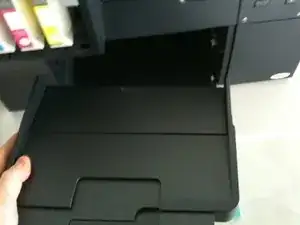
    • Ziehe das Papierfach heraus.

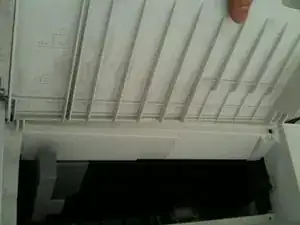
    • Entferne die Tintenpatronen.

  2. GkM62qabpXsi2Ms1
    GkM62qabpXsi2Ms1
    3fZZ5yIHBVfNyuIn
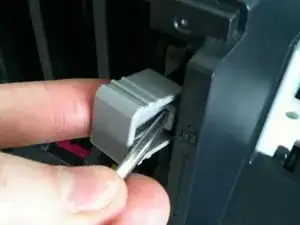
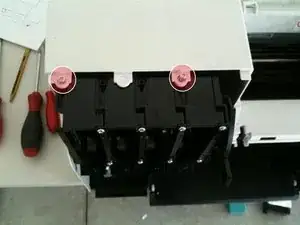
    • Entferne die Abdeckungen der Öffnungen.

  3. QmuPOyMDsjrboxnl
    • Entferne die hintere Komponente.

  4. PUCkFSC5EcXhilVM
    • Entferne den Hebel für die Tinte.

  5. poPSqjBhJUAJaHKh
    poPSqjBhJUAJaHKh
    TkyNSyAahZZFrjwV
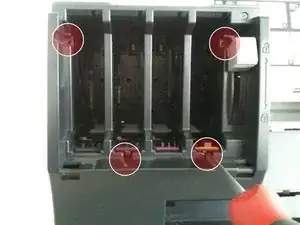
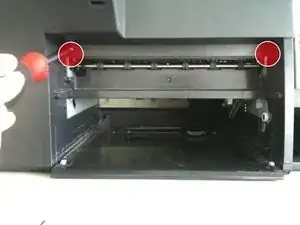
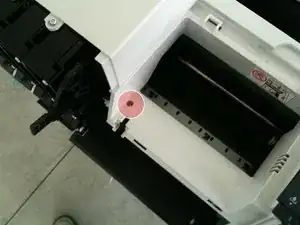
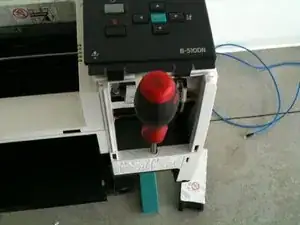
    • Entferne die Schrauben des vorderen Panels.

  6. mav3LEYprJoXmAS5
    mav3LEYprJoXmAS5
    KqCBAPVZ1RYkapT2
    • Entferne das LCD-Panel.

  7. xrTe6ivOkQ4DJWSh
    xrTe6ivOkQ4DJWSh
    DVkapJM4eBQYbkp3
    I4sPTyKVZtseIjuN
    • Entferne das vordere Panel.

  8. MHnjkvCFfwYZQtlP
    MHnjkvCFfwYZQtlP
    fIFBbLLxfYDKlk6P
    khWAmSlPYCwPuPoD
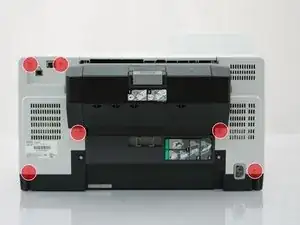
    • Löse die Schrauben des hinteren Panels.

  9. F1Gb2C2Cbcv5BqQZ
    F1Gb2C2Cbcv5BqQZ
    t1sURZFKXGSVxKR5
    • Löse die letzte Schraube des hinteren Panels (sie versteckt sich hinter dem LDC-Bildschirm).

  10. euS2j6AXoqD3WGkh
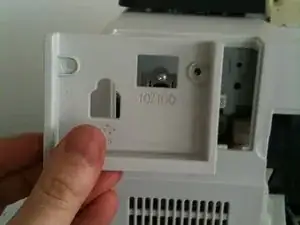
    • Entferne das Panel des Ethernet-Anschlusses auf der Rückseite.

  11. Iqfw16WHRDLwurlR
    Iqfw16WHRDLwurlR
    3OeDeMjfHVZVAOAN
    tdNtTvBZWRYJxWH4
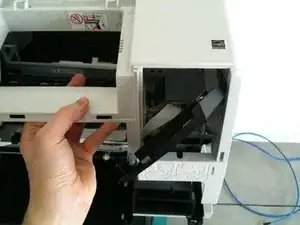
    • Entferne das hintere Hauptpanel und dachte dabei darauf, dass du das LCD-Display nicht beschädigst.

  12. JGYDD2MwJQlW5gOI
    JGYDD2MwJQlW5gOI
    cBEwGUdfnXxiLrVf
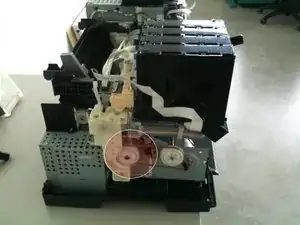
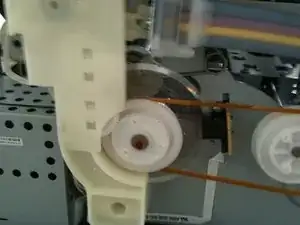
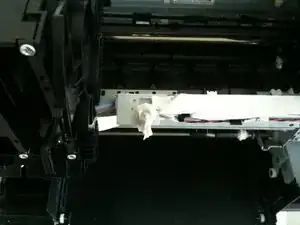
    • Reinige die linke Rolle sachte mit einem trockenen Tuch oder einer weichen Bürste.

  13. wvgNWlVnmVGTQIDE
    wvgNWlVnmVGTQIDE
    ggH53x5iHtJMyTK4
    OrNpEIMFX2FR3fxU
    • Reinige den rechten Encoder vorsichtig mit einem trockenen Tuch oder einer weichen Bürste.

  14. D5Vo2FcMF3o1ND6K
    D5Vo2FcMF3o1ND6K
    HxRDNj2VMewmMPV2
    • Falls du den Drucker testen möchtest, musst du Papier einlegen und zwei Schalter mit Klebeband abdecken.

  15. 5eMlOYn6CkNhJHMN
    • Baue den Drucker wieder zusammen (entferne zuerst das Klebeband, falls du welches verwendet hast) und befolge dabei die Anweisungen in umgekehrter Reihenfolge.

Abschluss

Um dein Gerät wieder zusammenzubauen, befolge die Anleitung in umgekehrter Reihenfolge.

delete

Mitglied seit: 15/11/12

547 Reputation

14 Kommentare

It's works, thanks

Thom -

Perfect. I used this guide to disassemble my printer.

I had 0xF1 and/or 0xF4. The reason was some paper stuck between the gears of the paper feed (in this guide step 12).

I hope this hint will help others. I didn't find any info about these error code online.

DumahBrazorf -

Error descriptions I found here - http://www.fatalerrors.info/

John Smith -

Thank you very much ! This is a very useful and beautifully documented guide. Best wishes and greetings to the kind author of this guide from Bratislava, Slovakia.

George Pekarovic

George -

muito obrigado pela ajuda

Filipe Rocha -

You are awesome! It helped me! Thanks very much!

martinjurtik -

Hi

I keep getting on an Epson B-500DN printer error restart printer with the paper and ink led blinking orange.

Disassemble the printer made a full cleaning (all encoding wheels too) and keep getting this error, the printer goes until ready, then as soon as it says printing it shows the error.

anyone ???

invitro59 -

OMG.

I had error oxF3.

I was set to bin this ace printer, I just googled the error code and bam this guide came up. This was awesome, I only found a little dirt on the step 12 clear plastic disc, nothing visible on step 13. Put the cartridges back in, maintenance tank paper tray and hooked up the power and network cable, and covered the 2 switches with tape. then OMG it worked. Now need to work out which screw goes where and reassemble.

Malcolm Taylor -

OK. Seguito con semplicità e Risolto il Problema. Adesso funziona. OK Thank you

Foto Diego -

What about Erro code 0xF3 in Epson WF7610

ABEL MLIGA -

Yes what about the WF7610 error code 0xF3?!

David Imondi -

I have Epson XP 710 which shows an error code 0×4f what can i do for it. When i turned it on it's starts well with Epson logo but there's a sound of running the gears in fast speed for a few seconds after this it's showing the error just after pooping up the menu screen no head movement. Kindly forward me with possible assistance

abab6330 -

Constantly gives 0xF4. If you move the head to the center, when it is turned on, it goes to the left, then goes to its place and when Parking the engine PF PID (left) twitches a little, and the scoreboard error 0xF4. In printer all cleaned up, blew. Cartridges took out, got a diaper. Before that, it was so that it prints, then outputs 0xF4 and sometimes 0xF1. What to do?

561054 -

Works very good. The photos for the right sight could be better, but when you know how it looks on the left its possible to find.

Ralf Sagorny

Ralf Sagorny -