4

I use Ubuntu One to synch my home/Documents folder among more computers. On a portable tablet I have set the Documents folder in a separate Fat32 partition named sda6, and I made it default documents folder with Ubuntu Tweaks.

How do I synchronize it with my /Documents cloud ? I tried to link /sda/Documents in my home folder but it didn't succeed: UbuntuOne still tries to set an own Documents folder and doesn't let me sync the linked folder with the cloud. What can I do, would please anyone help me ?
Jorge Castro
  • 73,907
user37155
  • 61
  • 1
  • 5

3 Answers3

5

Found this in the Ubuntu Community Documentation for the mount command here

An interesting ability of mount is it's ability to move specific parts of a filesystem around. For example:

sudo mount --bind /mnt/Files/Music /home/user/Music

Will let the folder "/mnt/Files/Music" also be accessible in /home/user/Music

This has allowed me to be able to sync my AddOns folder for World of Warcraft between several computers, even though the actually folder is kept on a different hard drive in a ntfs partition. Ubuntu One doesn't support symlinks.

Namrac
  • 96
  • 1
  • 3
0

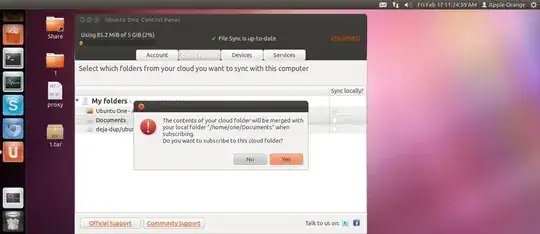
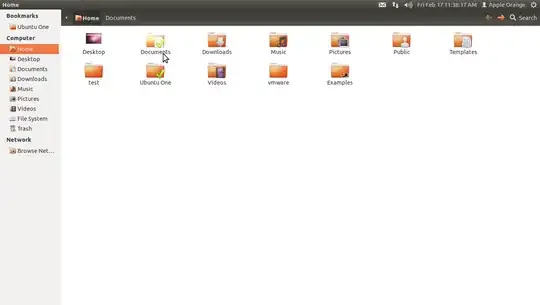
Right Click on Documents Folder > Ubuntu one > Sync this folder

enter image description here

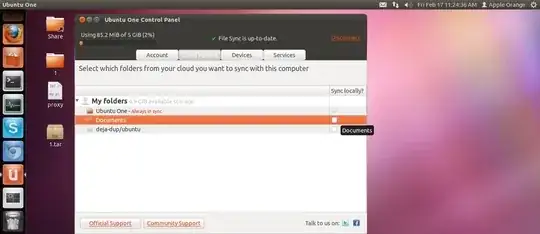
Then On Client Side My Laptop Open Ubuntu One , click sync locally

enter image description here

enter image description here

Done .


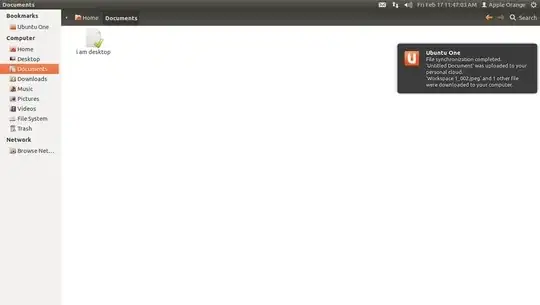
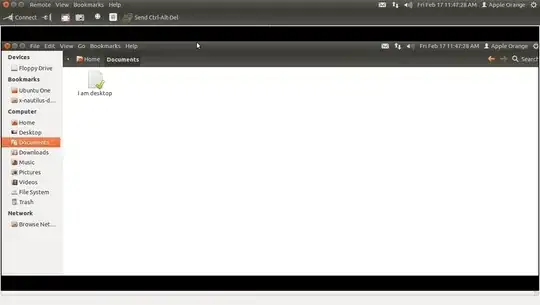
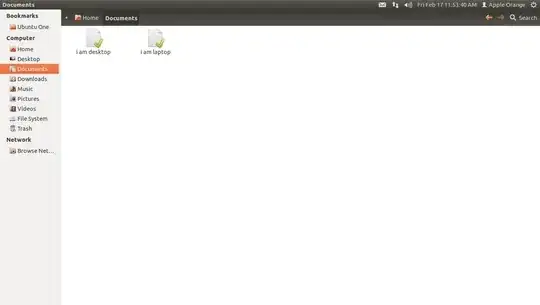
Example , Document Folder From Desktop to Laptop

Desktop

enter image description here

On Laptop Documents

Laptop

enter image description here


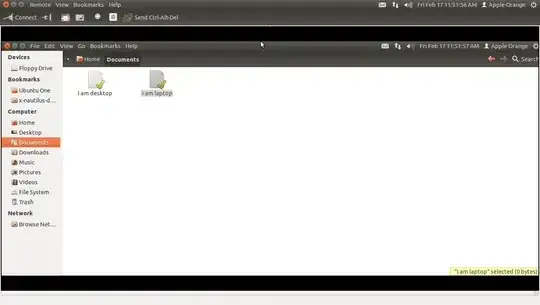
Example , Document Folder From Laptop to Desktop

Laptop

enter image description here

Desktop

enter image description here

One Zero
  • 27,801
0

What you'll need to do is create a bind mount.

Here's some simplified steps assuming you know a little about mounting:

  1. Create a directory to mount in home: mkdir ~/Documents
  2. Create a directory as a mount point for the partition: sudo mkdir -p /mnt/SharedPartition
  3. Get the device id for your partition: sudo blkid
  4. Edit your fstab (By device id is used in UUID (also use your home directory):
UUID=4B38-4ED2                  /mnt/SharedPartition  vfat auto,users,uid=1000,gid=100,dmask=027,fmask=137,utf8  0  2
/mnt/SharedPartition/Documents  /home/john/Documents  none bind 0 0
  1. sudo mount -a
  2. You can now sync ~/Documents with Ubuntu One
webm0nk3y
  • 950
  • What ist this command for: /mnt/SharedPartition/Documents /home/john/Documents none bind 0 0 When I type it, he says me: "it's a directory" – user37155 Feb 19 '12 at 12:01
  • @user37155 Sorry, looks like it got formatted incorrect, that was the bind mount to add to fstab – webm0nk3y Feb 21 '12 at 13:05
  • Sorry, that for me a too risky solution – user37155 Mar 17 '12 at 10:39
  • That line is not a command, it's to be inserted into your /etc/fstab file. This is the same solution as the top one. user37155 would you be so kind as to accept an answer, both answers appear to answer the question you asked. – chmac Dec 11 '12 at 01:35