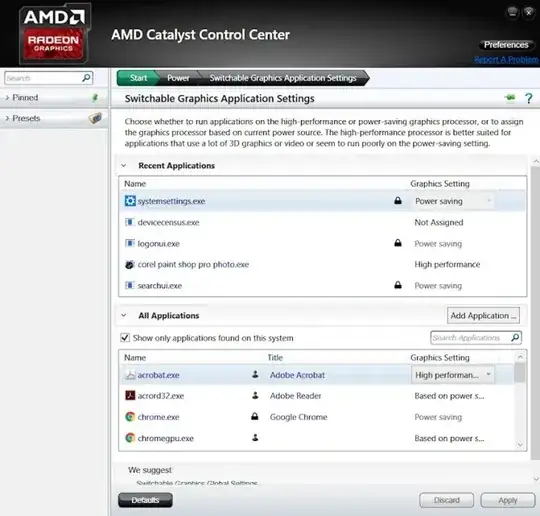
I have AMD RADEON graphics in my laptop. As I was using windows 10, I had inbuilt as well as third party softwares for switching between intel and Amd graphics for different applications/games. Is there similar software available for Ubuntu? Even Amd website is not giving proper software for switching for Ubuntu as it was giving Crismon tool on windows.
Asked
Active
Viewed 7,614 times
4
Archisman Panigrahi
- 40,026
user23
- 323
1 Answers
5
All you have to do is add DRI_PRIME=1 before the command of whatever you want to run using your dedicated Radeon GPU, so for example you can run Steam using DRI_PRIME=1 steam, and all of you games should use the Dedicated GPU.
If that does not work, then you might need to install switcheroo-control (I had to do that too) using sudo apt install switcheroo-control. This will also add an option to run using dedicated GPU from the right-click drop down menu in GNOME, so for example you can choose the dedicated GPU for Steam from the application menu > right-click Steam > "Launch using Dedicated Graphics Card":

If your steam games still use the integrated GPU after all of that (which they shouldn't), then you might need to enter DRI_PRIME=1 %command% to each game in their Launch Options. More on that here.
Tooniis
- 1,602
- 6
- 24
- 41
I'm on Ubuntu 18.04.4 LTS on a HP G72 w/ Intel/Radeon (HD 5430/5450/5470) setup.
First, what do you mean by
DRI_PRIME=1? Do you mean it must be added to the command line ? For instancefirefox DRI_PRIME=1?Then, I tried to use
switcheroo-control, but to no avail. I installed it withapt, but nothing changed, no added option in favorite dock (right-side of the screen application icons). Do I need to reboot, change some config file, or anything else ?Thanks for any hint ^-^
– Mutos Jul 12 '20 at 15:14DRI_PRIME=1!!!!For instance, if you want to run
– Mutos Jul 12 '20 at 15:55glxgearswith the dedicated graphics (AMD or NVidia depending on the machine) instead of the integrated one (usually Intel), type :DRI_PRIME=1 glxgearsswitcheroo-controlservice first. Either reboot, orsudo systemctl enable --now switcheroo-controlto enable it. Enabling without rebooting might require a session restart (log out then back in), although I'm not sure about that. – Tooniis Jul 15 '20 at 11:14