Context
I'm trying to install ibus-typing-booster for Hindi:
- Downloaded the source from https://github.com/mike-fabian/ibus-typing-booster/archive/2.6.4.zip
- Checked & satisfied all dependencies:
ibus >= 1.5.3, libm17n-0, m17n-db, python3 >= 3.3, python3-dbus, python3-xdg Executed the commands:
./autogen.sh ./configure --prefix=/usr --libexecdir=/usr/lib/ibus make make check make install- Here is the build log: http://p.ip.fi/96W1 Everything seems ok
Issue
But I cannot see the ibus-typing-booster preferences in the Applications, all that is new is an emoji picker

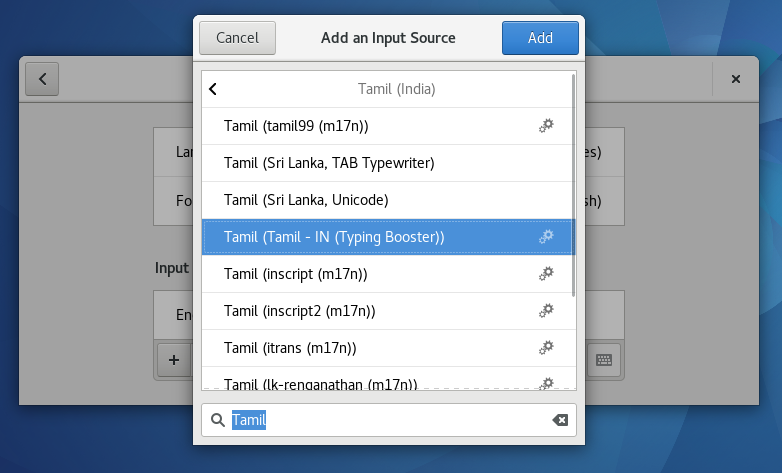
I rebooted the system and tried to get this (Typing Booster) or this (Hunspell) but instead got this none of which give suggestions while typing.


Footnote
Related: install ibus-typing-booster on Ubuntu (for which some links in the answer section are either broken or retired).