UBUNTU 20.04
the live iso uses the file initrd which is inside casper directory.
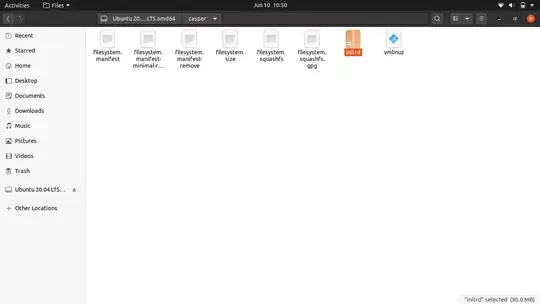
this initrd file has the plymouth theme inside it, this is used for booting live iso. you can extract the contents and see what is being used for plymouth or any other config.
copy the initrd file to new directory.. and run
unmkinitramfs initrd .
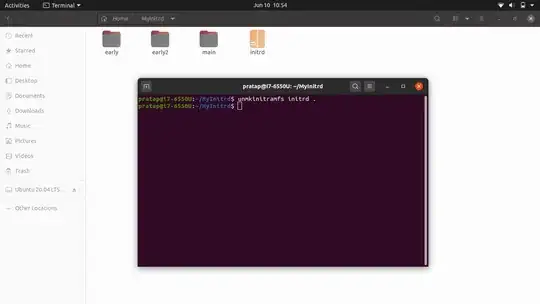
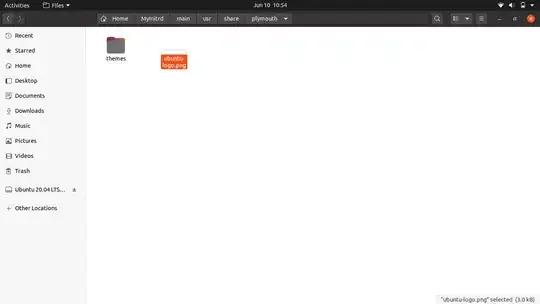
So Editing the Plymouth contents as you wish and then recompile the new initrd file say myinitrd and use it to boot live iso instead of standard initrd file.
how to recompile the initrd to say myinitrd is a big task for me, I have offered two bounties in stackoverflow and unix & linux
Finally I got the answer from a smart person.. https://superuser.com/q/1556241/976939
the script is something like this..
#!/bin/bash

#mkdir 18
#unmkinitramfs initrd $HOME/18

# start with an empty file
touch $HOME/myinitrd

# Add the first microcode firmware
cd $HOME/18/early
find . -print0 | cpio --null --create --format=newc > $HOME/myinitrd

# Add the second microcode firmware
cd $HOME/18/early2
find kernel -print0 | cpio --null --create --format=newc >> $HOME/myinitrd

# Add the actual ram fs file system
cd $HOME/18/main
find . | cpio --create --format=newc | xz --format=lzma >> $HOME/myinitrd

# verify both initrds are the same
# binwalk $HOME/myinitrd
# binwalk $HOME/initrd
I confirm that using this method I have successfully customized the live iso Plymouth theme for the Ubuntu 20.04 ISO.


