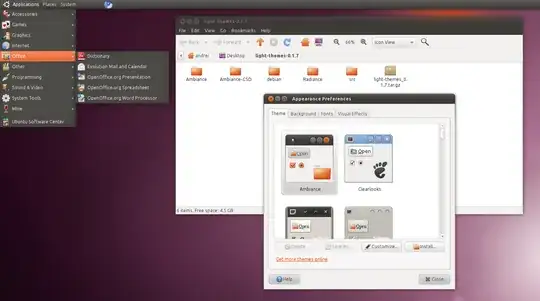
The screenshot from your question demonstrates GNOME 2.3x, not Xfce.
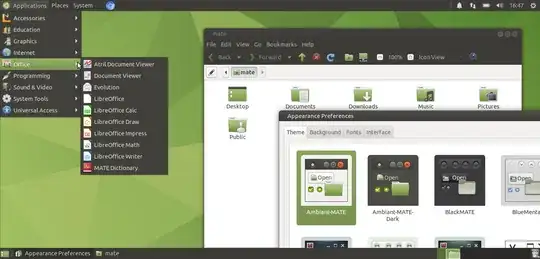
So you have to simply install MATE DE (which is a fork of GNOME 2 using modern software components) as in Ubuntu MATE by
sudo apt-get install ubuntu-mate-desktop^
on any Ubuntu LTS release like 18.04 LTS or 20.04 LTS and you will get needed look and feel.
Or do fresh install of Ubuntu MATE from its installation media.
Then switch panel layout to Traditional from MATE Tweak and enjoy:
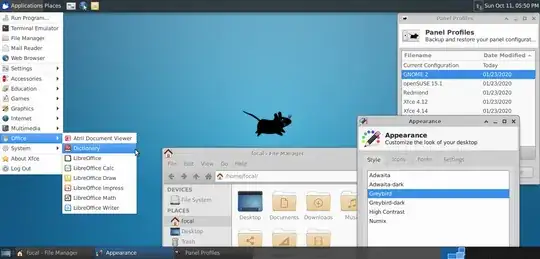
While using Xfce, which is installable by sudo apt-get install xubuntu-desktop^ you can get some similarity by launching Xfce4 Panel Profiles (by installation of xfce4-panel-profiles package and executing the command with same name afterwards) to select GNOME 2 profile, but System item will be missed:


sudo apt-get install xubuntu-desktop^or install single packagexfce4-panel-profiles. But my recommendation is still switching to MATE as a logical continuation of GNOME 2. – N0rbert Oct 11 '20 at 16:21