2

I am having trouble installing ubuntu onto my computer. When I boot my computer, it takes me to a completely white screen(as shown below). I am entirely new to this and would like some guidance in resolving this issue. Thank you in advance for all your help.

Processor: AMD Ryzen 5 5600G with Radeon Graphics
Graphics Card: GTX 1650 Ram: 16 GB Motherboard: ROG STRIX B550-A GAMING
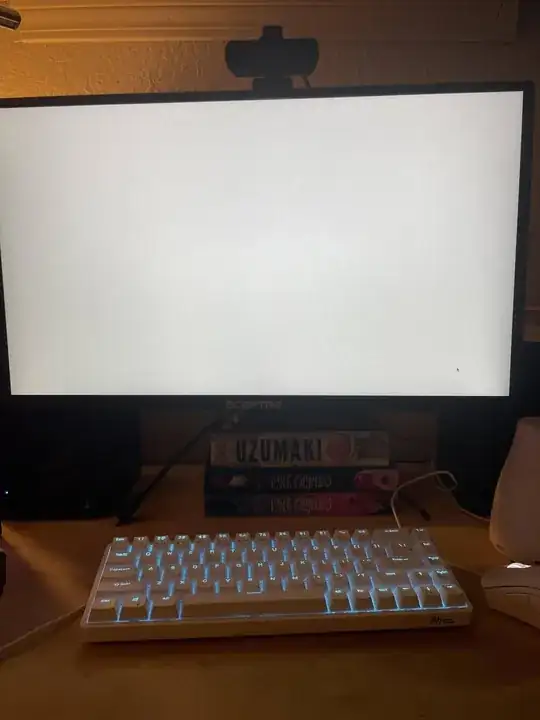
enter image description here

IDk
  • 21
  • Are you booting Ubuntu with an USB drive? – Archisman Panigrahi Oct 25 '22 at 01:11
  • Yes I am booting from a USB drive – IDk Oct 25 '22 at 01:16
  • 1
    Did you verify your ISO after download & before writing to USB-media as per documentation? (ie. https://tutorials.ubuntu.com/tutorial/tutorial-how-to-verify-ubuntu#0), though I find the write of the ISO to media is more likely an issue. Given you can't verify the write using that box (as you can't read anything on the screen), I'd boot the USB-media on another box & verify the write of ISO using another box. You didn't mention which Ubuntu 22.04.1 LTS product you're asking about, Desktop? Server? etc. (I've assumed Desktop) – guiverc Oct 25 '22 at 01:21

1 Answers1

2

I had the same issue , seems a problem on kernel 5.19 and AMD cpu .

I resolved changing grub configuration, adding nomodeset to grub, like this:

edit grub config using gedit or nano :

sudo gedit /etc/default/grub

change this line:

GRUB_CMDLINE_LINUX_DEFAULT="quiet splash"

to this:

GRUB_CMDLINE_LINUX_DEFAULT="quiet splash nomodeset"

save and update with sudo update-grub2

This prevents Linux loading a specific driver. It's a workaround not a solution but at least you can use yor pc. Anyway kernel 6 should fix it.

TommyPeanuts
  • 1,157
d0x0p
  • 21