If you can't get the extra space option of usb-creator working you can always make a persistent partition.
Unlike the maximum 4GB persistence allowed by using a casper-rw FAT32 file, persistence size is only limited by drive size.
Boot Live CD.
Plug in flash drive.
Start Partition Editor
Create 1 GB FAT32 partition, (on the left side of the bar). (size is optional)
Create a 1.5 GB ext3 partition to the right of this, labeled it "casper-rw". (ext2 and ext4 also work).
Create a partition in the remaining space and label it "home-rw". (optional, creates a separate home partition)
Close Partition Editor.
Un-mount and re-mount flash drive.
Start "Create a live usb startup disk", (usb-creator).
Select "Discard on shutdown".
Press "Make Startup Disk.
When usb-creator finishes, run "gksu nautilus"
Select disk / syslinux / text.cfg and add "persistent" as shown below:
append noprompt cdrom-detect/try-usb=true persistent file=/cdrom/preseed/ubuntu.seed boot=casper initrd=/casper/initrd.gz quiet splash --
Shutdown, remove CD, reboot.
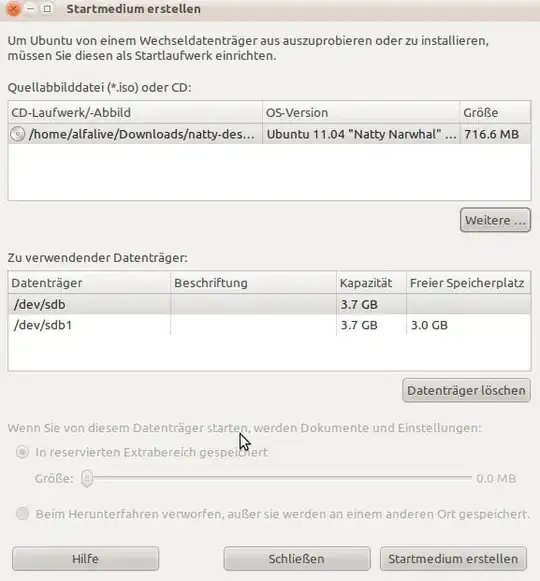
Make Startup Diskwindow? (Yours, not the one on http://www.ubuntu.com/desktop/get-ubuntu/download) – Isaiah Dec 04 '10 at 00:18/dev/sdb1instead? I have a Sandisk USB drive and when I plug it in it mounts as a CD and a USB stick. – Isaiah Dec 04 '10 at 00:52