I tried to install gimp-8.2.6 from gimp website, and downloaded tar.bz2. Inside its install instructions, there are more requirements and some what complex. So i decided to install from package.
- open terminal
- sudo apt-get update "This is to check the version all-ready available in software center."
- Open software center > search or go to gimp = check the version is latest(8.2.6) or not (It will be at, before the reviews/comments.)
- If latest version intall.
OR
- open terminal
- sudo add-apt-repository ppa:otto-kesselgulasch/gimp
- sudo apt-get update
- Open software center > go to gimp > check the version > install
IF ITS NOT THE LATEST VERSION ONLY YOU HAVE TO CHANGE THE REPOSITORY(2).
--
THIS INSTALL IS NEAT AND WORKS GOOD. IT HAS HELP TOO.
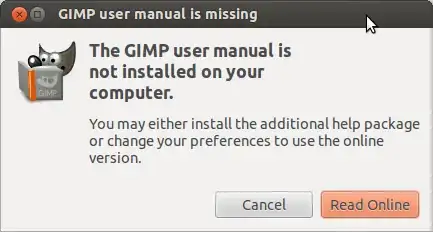

sudo apt-get install gimp-help-eninstalled the 2.6 version help and not 2.8. 2.8 help is available at ftp://ftp.gimp.org/pub/gimp/help/, but I am not sure how to integrate it with Gimp. – Praveen Sripati Jul 15 '12 at 08:12gimp-helpas well. (They might not, but it's worth asking.) Also, the upcoming release of Ubuntu--Quantal--will havegimp2.8. It's still in development and it still hasgimp-help2.6, but once that's updated Quantal is released, you could request a backport. – Eliah Kagan Jul 16 '12 at 13:59