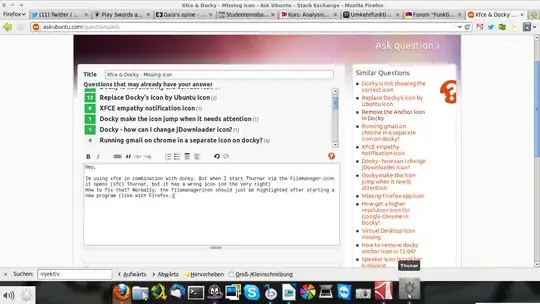
Im using xfce in combination with docky. But when I start Thunar via the Filemanager-icon it opens (ofc) Thunar, but it has a wrong icon (on the very right) How to fix that? Normally, the file manager icon should just be highlighted after starting a new program (like with Firefox.)
Asked
Active
Viewed 9,719 times
3 Answers
10
Found a solution. Was just a missing file. Do a
sudo cp /usr/share/applications/Thunar.desktop ~/.local/share/applications
and the Problem should be resolved.
But one problem remains: Thunar remains twice in the docky-panel.
sudo cp /usr/share/applications/xfce4-terminal.desktop ~/.local/share/applications
For the terminal.
Paul Woitaschek
- 3,106
-
To solve double icons problem: discard the old icon by dragging it off from Docky, right click the new one and "Pin to Dock". – HungryFoolish Aug 27 '16 at 15:36
3
I used wegsehen's idea and copied all the desktop files to the .local. Then I removed all docky icons and added them from the .local and that fixed the double icon problem for me.
I copied all .desktop files to the ~/.local/share/applications
sudo cp /usr/share/applications/* ~/.local/share/applicationsThen I removed for example the Thunar shortcut from docky and added it again, but now from ~/.local/share/applications (dragging it over worked) You can do that to any other icon you want in docky
zweettooth
- 31
1
ln -s /usr/share/applications ~/.local/share/applications
I made link for all applications.
Dinsul
- 11