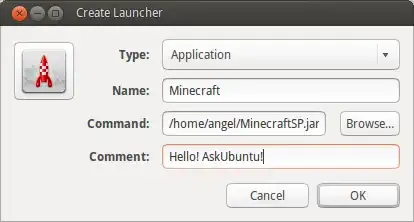
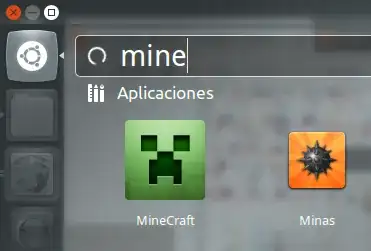
My problem is, that I do want to create a .desktop file for Technic Launcher, which is an alternative launcher for Minecraft. It comes in the form of a .jar file and I want to create a menu entry for it. How would I write such a .desktop file?
My attempt was the following:
[Desktop Entry]
Type=Application
Name=Technic Launcher
Comment=Minecraft Launcher for Technic Pack, Tekkit, Hack/Mine and Yogbox
Exec=/home/benjamin/Applications/Minecraft/TechnicLauchner/technic-launcher-latest.jar
Icon=/home/benjamin/Applications/Minecraft/TechnicLauchner/icon.png
Terminal=false
Categories=Game;ActionGame;AdventureGame;RolePlaying;
This didn't work, hence my question. What did I do wrong? Is it even possible to point to a .jar file?

.desktopfiles, because KDE has this functionality built-in. – Oleh Prypin Sep 25 '12 at 13:14javaneeds to be in thePATHto execute. If you exported yourPATHin.bashrc, move it to.profileso the desktop environment has the correctPATHwhen you run the application. – Aug 14 '19 at 23:59.desktopicon it can't connect to the internet? When I run the exact samejava -jar ...command in the terminal it works flawlessly. – Caio Mar Nov 19 '21 at 19:02