0

Hi guys I’m newbie in Ubuntu world! So guys I’m running Ubuntu 14.04 / 64bits, and I installed iTunes 64 bits version 10.7.0 using wine! While trying to run iTunes I always get this error: Itunes was not properly installed. If you wish to import or burn CDs you need to reinstall iTunes.

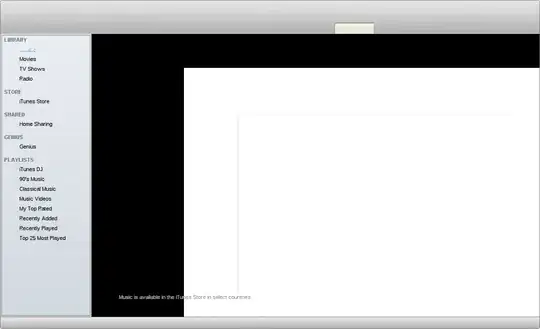
Then when I click Ok, I get this screen::enter image description here

I tried to run: sudo apt-get update in the terminal, didn't work I also tried to restart my laptop didn't work either. I need help to make it work properly so that I can connect my idevices. Thanks in advance

1 Answers1

2

iTunes is generally considered not to work well under Wine. The default version of Wine in 14.04 is 1.6.2 so you could try upgrading to the PPA development build... But I doubt that'll fix much.

I certainly wouldn't try to use it to manage hardware. In my opinion, that is inviting an expensive disaster.


The only real alternative I have is running a real copy of Windows in a virtualisation solution like VirtualBox or VMWare. These can pass-through USB devices to let the virtualised software manage them.

In my experience this works pretty well but it's fairly slow.

Oli
  • 299,936
  • So basically there’s no way that i could manage my idevices in Ubuntu!!! – user272114 Apr 22 '14 at 10:46
  • 4
    Tell Apple you want iTunes for Linux. You wouldn't be able to do it on Windows either unless they provided the software to allow it. – Oli Apr 22 '14 at 10:49
  • yeah i will try to run virtualBox then, but since i'm running Ubuntu alongside with windows i guess will continue switch to windows to run itunes, – user272114 Apr 22 '14 at 10:50
  • i can't think in a reason they dont wanna provide a itunes for Linux – user272114 Apr 22 '14 at 10:52
  • so any of you guys can show me step by step how to remove it(iTunes)!! – user272114 Apr 22 '14 at 10:59
  • 2
    Run wine uninstaller in a terminal to get to the Add/Remove dialogue. See: http://askubuntu.com/q/102685/449 – Oli Apr 22 '14 at 11:03