Anyone knows how to remove "web apps" I made in Chrome using menu => extra => create shortcuts (no real Chrome apps) from the app menu in Ubuntu? When right-clicking on a normal app (Thunderbird in this case), I see this:
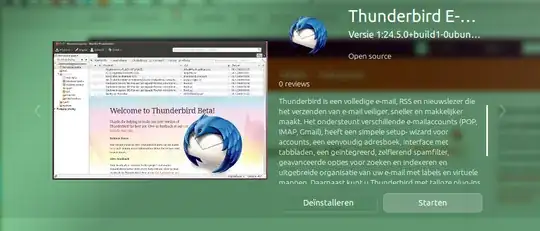
I use Dutch language but I think it's obvious: note the "Deïnstalleren" (uninstall) button next to the start button. But, when I right-click on a Chrome web app (which I made from the menu => extra => create shortcuts), in this case Facebook, it shows me this:
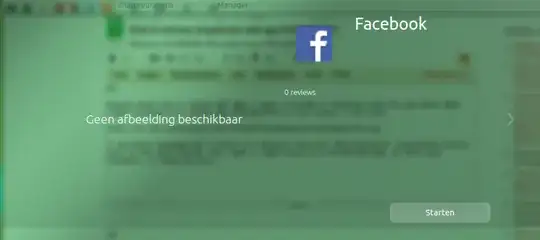
Note the difference? No uninstall option. Can I achieve this in another way? Thanks in advance!
P.S.: I'm not a professional. I use Ubuntu three days now. Please keep it simple for me. :)
chrome-gidgenkbbabolejbgbpnhbimgjbffefm-Default.desktop. Try searching within the files. For example, if I created a desktop app for Gmail, I'll searchgrep -r ~/.local/share/applications -e 'Gmail'. – AlikElzin-kilaka Jun 06 '16 at 15:33chrome-*files in~/.local/share/applicationsis a handy way to remove them if they've been left behind and Chrome is no longer installed on your system. Really useful to know! – Knowledge Cube Feb 13 '18 at 01:42