Every time I log in Dropbox opens up the screen informing me that Nautilus needs to be restarted.
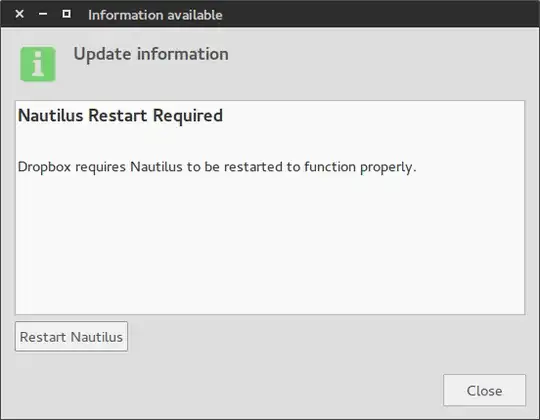
Clicking the restart button does nothing though.
If I enter terminal and run nautilus -q it returns the following errors:
Initializing nautilus-dropbox 2.10.0

(nautilus:8933): GLib-CRITICAL **: Source ID 310 was not found when attempting to remove it
(nautilus:8933): GLib-CRITICAL **: Source ID 311 was not found when attempting to remove it
(nautilus:8933): GLib-CRITICAL **: Source ID 312 was not found when attempting to remove it`
Does anyone know how I can resolve these errors so that I can restart nautilus correctly?

sudo nautilus -q. I'll try updating nautilus and seeing whether I still get the message / am unable to restart after rebooting. – DJ_Beardsquirt Nov 25 '14 at 11:16