I have installed everpad on Ubuntu 14 with command:
sudo add-apt-repository ppa:nvbn-rm/ppa
sudo apt-get update
sudo apt-get install everpad
When I run Everpad for first time I have Icon on the top of the screen like shown in picture:
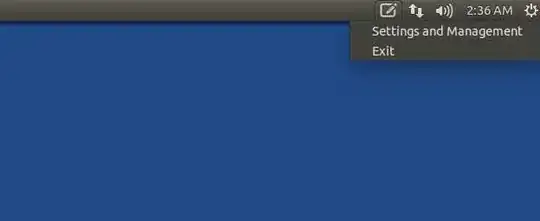
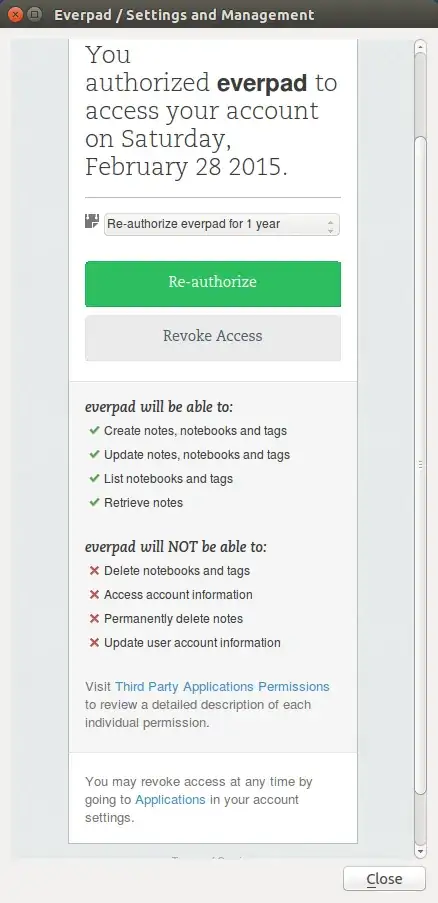
I press Settings and Management and authorise Evernote account:
Then I run Everpad second time and have window without my messages that was created in Evernote account. Looks like Everpad not synchronise messages with my PC:
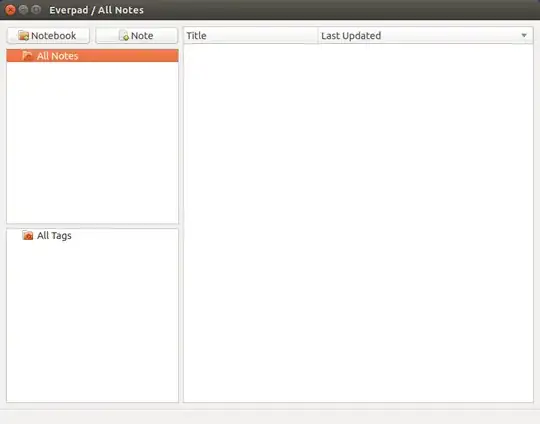
How to solve this problem? Where are my notes?
~/.everpadfolder to something like~/.everpad-backup, and restart Everpad. – Jos Apr 04 '15 at 11:04