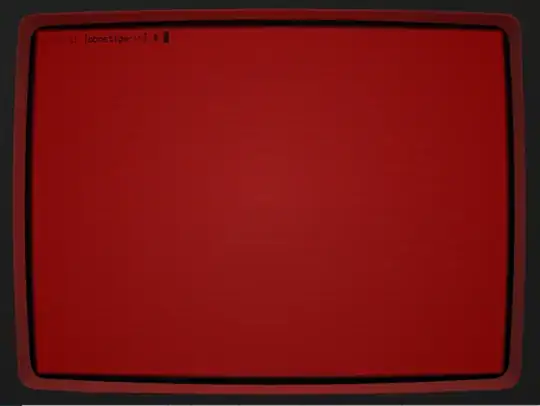
Let's say I want to simulate on old monochrome gas plasma display on a current-day Ubuntu installation. That could be something like this: https://www.youtube.com/watch?v=Di9OQLiwbIU
How could I do this? I'd mean making everything monochrome.
Let's say I want to simulate on old monochrome gas plasma display on a current-day Ubuntu installation. That could be something like this: https://www.youtube.com/watch?v=Di9OQLiwbIU
How could I do this? I'd mean making everything monochrome.
here, there is something to try: https://unix.stackexchange.com/questions/125257/how-can-i-make-the-screen-black-and-white They say that you can add following lines to the xorg config file
Section "Screen"
    Identifier "greyscale configuration"
    Defaultdepth 8
    SubSection "Display"
        Depth 8
        Visual "GrayScale"
    EndSubSection
EndSection
Please tell me if it works for you
Using Cool-Retro-Term
sudo add-apt-repository ppa:bugs-launchpad-net-falkensweb/cool-retro-term
sudo apt-get update
sudo apt-get install cool-retro-term