3

I've tried installing Google Earth on Oneric (11.10) following instructions here: To do list after installing ubuntu 11.10

(Scroll way down or search the page for "google earth")

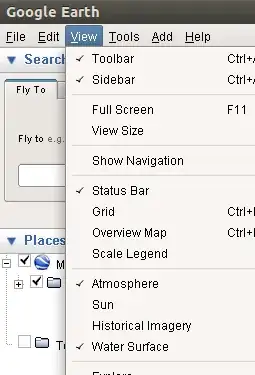
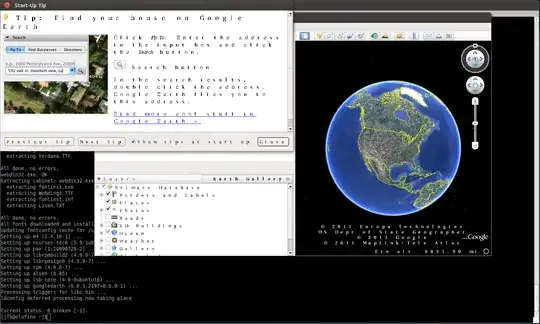
However with either method I end up with a very strange looking GE. I assume it is related to fonts, but I did install the mscorefonts as required by the created package.

Does anyone have suggestions? https://i.sstatic.net/wE3Xx.png
hhlp
  • 42,932
John
  • 255

1 Answers1

1

I can confirm that you need to install ttf-mstcorefonts-installer.

If you start the application after installation you get the picture shown in your question.

However on logout and login the fonts in the application behaves correctly...

enter image description here

fossfreedom
  • 174,664
  • I would just add that in my case I needed to reboot after installing the fonts in order to see google earth properly. Many thanks! –  Jun 23 '12 at 21:54
  • Doesn't work for me at all http://askubuntu.com/questions/225702/fix-google-earth-6-2-2-japanese-fonts – Joshua Robison Dec 05 '12 at 12:11
  • @JoshuaRobison - yours is a very different question so I'm not surprised this solution doesnt work for you. – fossfreedom Dec 05 '12 at 12:31