The 'Canonical' way to run Ubuntu Touch in emulation is to use the ubuntu-emulator rather than VirtualBox and friends. If you are using Trusty Tahr or later run the following:
sudo apt-get install ubuntu-emulator ubuntu-emulator-runtime ubuntu-emulator-images
Then you create the emulation:
sudo ubuntu-emulator create just_testing
There will be a reasonable download and then you can run your copy of Ubuntu Touch in emulation:
ubuntu-emulator run --scale 0.75 just_testing
The --scale 0.75 option can be varied to produce the 'phone' size of your choice or even omitted completely if desired. Another option to manipulate is --memory 720 which specifies in megabytes the amount of memory available to the emulator.
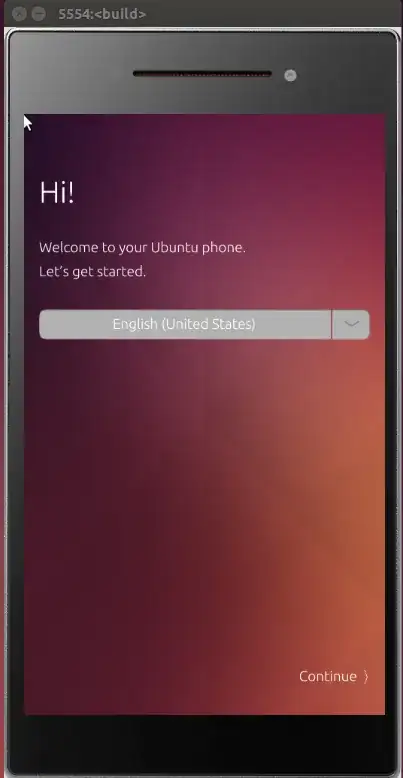
A screenshot of all of this running on my own system:
References:

– Severus Tux Mar 17 '16 at 19:01No Back and home buttons, I couldn’t find any buttons to Go back
Bad resolutions. I cant read some of the text inside it... can I make it bigger?? see this
--scale 0.5, For Back and Home I am not sure, I am struggling to get it working under VM and I have just realised that VirtualBox does not support nested virtualization! Great to hear that you have at least a roughly working copy though :) – andrew.46 Mar 17 '16 at 20:37