I have a working VPN connection using NetworkManager, OpenConnect, and the network-manager-openconnect-gnome package, but I have to start it manually every time I connect to a network, and I have to enter my password manually each time.
How can I get it to connect automatically, and remember my password (securely)?
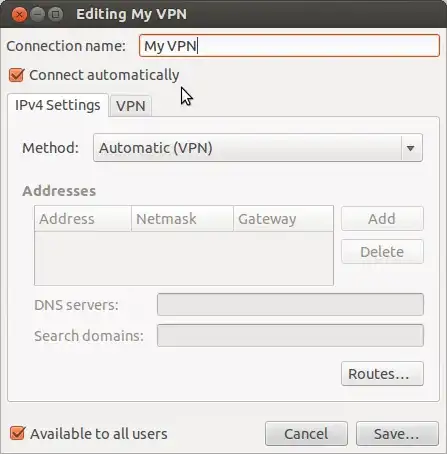
I have checked the 'Connect Automatically' box on the Configure VPN page, but this seems to have no effect. I've also got the 'Start connecting automatically' box checked in the pop-up box, and that does avoid the need to press the connect button in that window, but seems to have no part in kicking off the whole process in the first place. There is no option to remember the password in the window, but maybe there's one somewhere else?
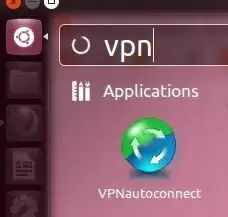
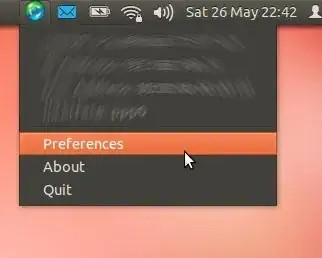
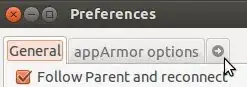
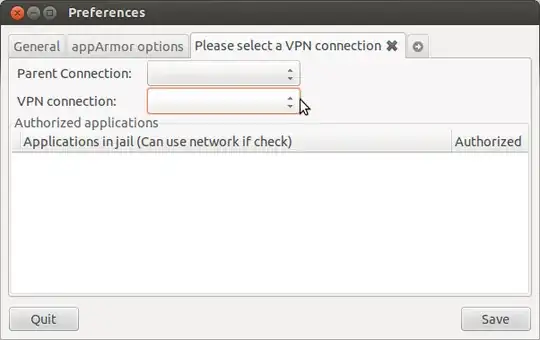
However, my password is not saved. How do you save the VPN password? I have found no relevant documentation with a clear answer after extensive Google searching for many hours.
– Kamil Slowikowski May 19 '14 at 17:44